6
English
CONNECTORS & ANTENNA
1. ANT: 720MM 50 OHM antenna.
2. DC 9V: Plug to AC adapter.
3. AUX IN: Connect to any music device via the AUX cable (included)
4. Earphone jack: Plug to earphone or connect to other music devices
which have 3.5mm AUX connector.
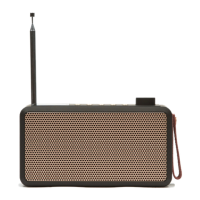
CHARGE tRADIO
(7.4V rechargeable built-in battery)
1. Connect tRADIO to AC adapter included. Plug AC adapter to socket.
2. Battery volume on the LCD display blinks during charging. It stops
blinking after fully charged.
3. Unplug AC adapter after fully charged.
GETTING STARTED
1. After fully charged, long press POWER button to turn on tRADIO.
2. It will go to DAB mode as default to search DAB stations and play the 1st
one after search.
3. Unclip the antenna and fully extend it.
4. Time will be synchronized automatically after receiving DAB radio
stations.


 To Next Page