EasyManua.ls Logo

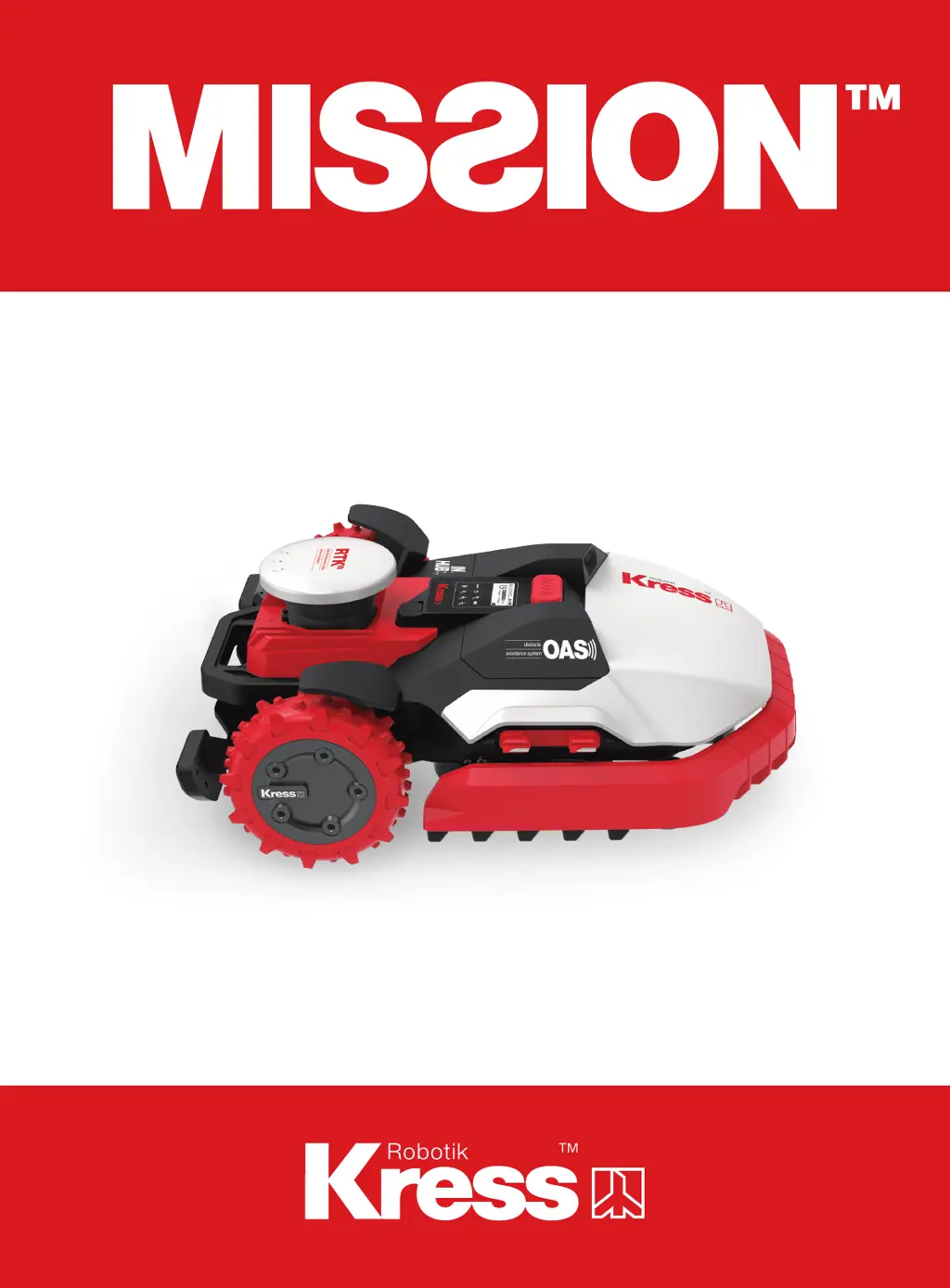
Kress Robotik Mission Mega RTK 24000 - User Manual

Default Icon
148 pages
Print Icon
To Next Page IconTo Next Page
Loading...
Owner's Manual

Questions and Answers

  • M
    macdonaldmatthewAug 13, 2025
    What to do if my Kress Robotik Lawn and Garden Equipment MissionTM RTKn doesn't alarm outside the Geo fence?
    • E
      Eric KennedyAug 13, 2025
      If your Kress Robotik Lawn and Garden Equipment, specifically the MissionTM RTKn, doesn't give an alarm when outside the Geo fence, it could be due to two reasons. First, the software might not be up to date, so try updating it. Second, ensure that the MissionTM RTKn is powered on.
  • B
    Bridget BryantAug 17, 2025
    Why Kress Robotik Lawn and Garden Equipment MissionTM RTKn doesn't return to charging base?
    • B
      Bryce WangAug 17, 2025
      If your Kress Robotik Lawn and Garden Equipment, specifically the MissionTM RTKn, runs out of power but doesn't return to the charging base, there are a couple of potential reasons. One reason might be that no virtual charging base is mapped; in this case, rebuild the map and add the virtual charging base. Another reason could be that the magnetic strip is shorter than 2.5 meters, so ensure the magnetic strip is longer than 2.5 meters.
  • E
    Erin LynnAug 20, 2025
    What to do if Kress Robotik Lawn and Garden Equipment MissionTM RTKn is parked in the middle of the obstacle?
    • M
      Mark BishopAug 21, 2025
      If your Kress Robotik Lawn and Garden Equipment, specifically the MissionTM RTKn, is parked in the middle of an obstacle, it could be because the obstacles are too small for it to navigate out. To resolve this, set the area where the MissionTM RTKn frequently gets stuck as a No-Go zone. Alternatively, the sensor of MissionTM RTKn might be abnormal, so check the sensor status on the diagnostic page of the APP.
  • J
    Jordan WatersAug 25, 2025
    Why Kress Robotik Lawn and Garden Equipment MissionTM RTKn parked around the wall and cannot be started?
    • J
      Jasmine UnderwoodAug 25, 2025
      If your Kress Robotik Lawn and Garden Equipment, specifically the MissionTM RTKn, is parked around the wall and cannot be started, and the positioning light is always red, it might be due to the safety protection being triggered. This can happen if the MissionTM RTKn works in a shaded area for too long. Try to avoid letting it mow in areas with too much shade.
  • K
    Kelly MccormickAug 28, 2025
    What to do if Kress Robotik Lawn and Garden Equipment MissionTM RTKn doesn't work after pressing start?
    • G
      Gina MoodyAug 28, 2025
      If, after turning on your Kress Robotik Lawn and Garden Equipment MissionTM RTKn and pressing the start button, it doesn't start, it could be due to a couple of reasons. First, the MissionTM RTKn might be outside the working area, so move it inside the working area. Second, there might be a poor positioning signal. In this case, move the MissionTM RTKn to an open place, wait for the positioning signal light to turn green, and then press the start button.
  • M
    Melissa FosterSep 1, 2025
    How to fix Kress Robotik Lawn and Garden Equipment MissionTM RTKn docking issues?
    • R
      Roy MartinSep 1, 2025
      If your Kress Robotik Lawn and Garden Equipment, specifically the MissionTM RTKn, cannot correctly dock with the charging base, check if the magnetic strip is placed in the correct direction. When correctly placed, the green stripe of the magnetic strip should face away from the charging base.
  • K
    Kimberly FreemanSep 4, 2025
    Why Kress Robotik Lawn and Garden Equipment MissionTM RTKn overruns boundary line downhill?
    • K
      kimberly63Sep 4, 2025
      If your Kress Robotik Lawn and Garden Equipment, specifically the MissionTM RTKn, overruns the boundary line when going downhill, it could be because the angle of the border line is very sharp. Try to avoid layout scenarios with sharp angles.
  • E
    Erica RiversSep 8, 2025
    How to fix Kress Robotik Lawn and Garden Equipment charging base LED light?
    • J
      Jennifer ZimmermanSep 8, 2025
      If the LED light on the charging base of your Kress Robotik Lawn and Garden Equipment does not turn on, it is likely due to a power issue. Check that the charging base is properly connected to the charger, and that the charger is connected to a suitable power supply.

Kress Robotik Mission Mega RTK 24000 Specifications

General IconGeneral
Product TypeRobotic Lawn Mower
Recommended Lawn SizeUp to 24000 m²
Maximum Slope45%
Cutting Width28 cm
Battery TypeLithium-Ion
Charging Time60 minutes
Rain SensorYes
Lift SensorYes
App ControlYes
Boundary Wire RequiredNo
NavigationRTK-GPS

Related product manuals