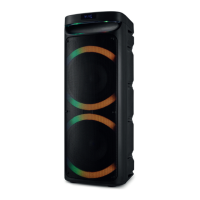
USB MODE
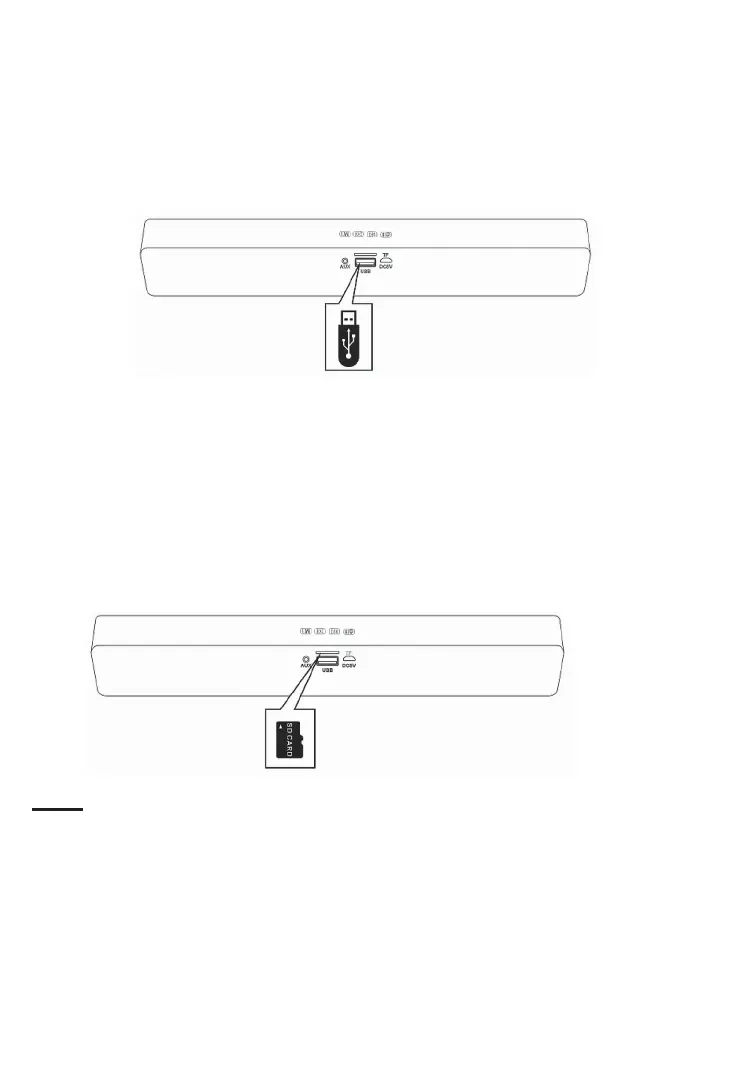
1. In the power o mode, insert an USB device into the USB port on the rear of the unit
as the gure below.
2. Power on the unit.
3. Press the M) Buon repeatedly unl you hear “USB” from the speaker. The unit will
start to play music from the USB device automacally.
TF (SD) CARD MODE
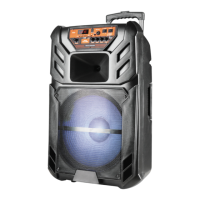
1. In the power o mode, insert a TF (SD) card into the TF (SD) card slot on the rear of the
unit as the following gure.
2. Power on the unit.
3. Press the M) Buon repeatedly unl you hear “Memory card” from the speaker. The
unit will start to play music from the TF (SD) card automacally.
Notes:
• The unit supports up to 16GB USB devices or TF (SD) cards (not included).
• Before removing the USB device or the TF (SD) card, make sure the unit has been pow-
ered o.
• When inserng the USB device or the SD card, make sure the direcon of the USB de-
vice or the SD card is correct. Never insert violently to avoid damaging the ports or the
input devices.
If the device does not work, please check if the direcon is correct.
• Check that the music on the device has the MP3 format.


 To Next Page