KHAIDO FUNCTION KEY SHORTCUTS
1) LIGHTING
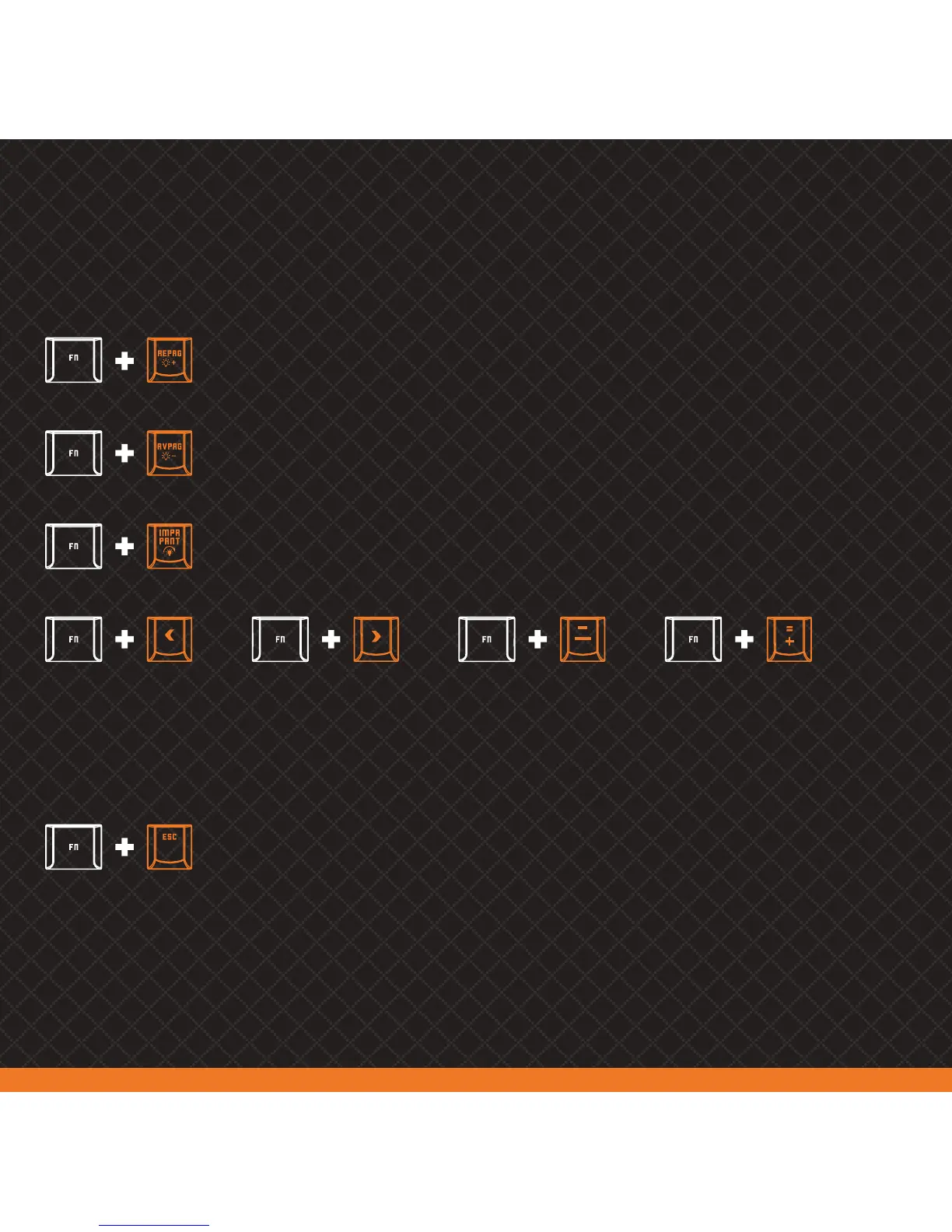
Increases keyboard lighting brigthness (0%-25%-50%-75%-100%).
When limit is reached, all indicator lights will flash three times
Reduces keyboard lighting brigthness (100%-75%-50%-25%-0%).
When limit is reached, all indicator lights will flash three times
Sets ligthing effect direction
from right to left on:
1. RGB Rainbow
2. RGB Wave
7. Superposition mode
Sets ligthing effect direction
from left to right on:
1. RGB Rainbow
2. RGB Wave
7. Superposition mode
Decreases lighting effect’s
speed in all modes (except
custom mode)
Increases lighting effect’s
speed in all modes (except
custom mode)
Switches between lighting modes:
1. RGB Rainbow | 2. RGB Wave | 3. Single Color Circulation | 4. Constant Light |
5. Rainbow Breath | 6. Water Lines | 7. Superposition Mode | 8. Custom Mode |
Turns lighting on/off



 To Next Page