
 Need help?
Do you have a question about the KROM KUMA and is the answer not in the manual?
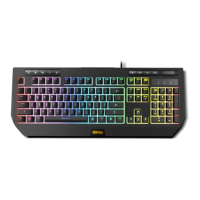
Identifies keys for multimedia playback and web browsing functions.
Designates the specific keys used for adjusting the audio volume levels.
Highlights keys that control different lighting effect modes for the keyboard.
Points to the key that enables and customizes lighting profiles.
Indicates the key combination for turning the keyboard's lighting on or off.
Shows the keys used to increase or decrease the keyboard's lighting brightness.
Identifies the keys for adjusting the speed of lighting effects.
Explains the role and usage of the Function (FN) key in conjunction with other keys.
Detailed instructions on controlling keyboard lighting effects, modes, and brightness using FN key combinations.
Shortcuts for accessing multimedia playback, web browser, email, and calculator via FN key combinations.
FN key combinations for swapping WASD/arrow keys, locking the Windows key, and locking the entire keyboard.
 General
| Type | Mechanical |
|---|---|
| Backlight | RGB |
| Connectivity | Wired |
| Interface | USB |
| Layout | ANSI |

 To Next Page
