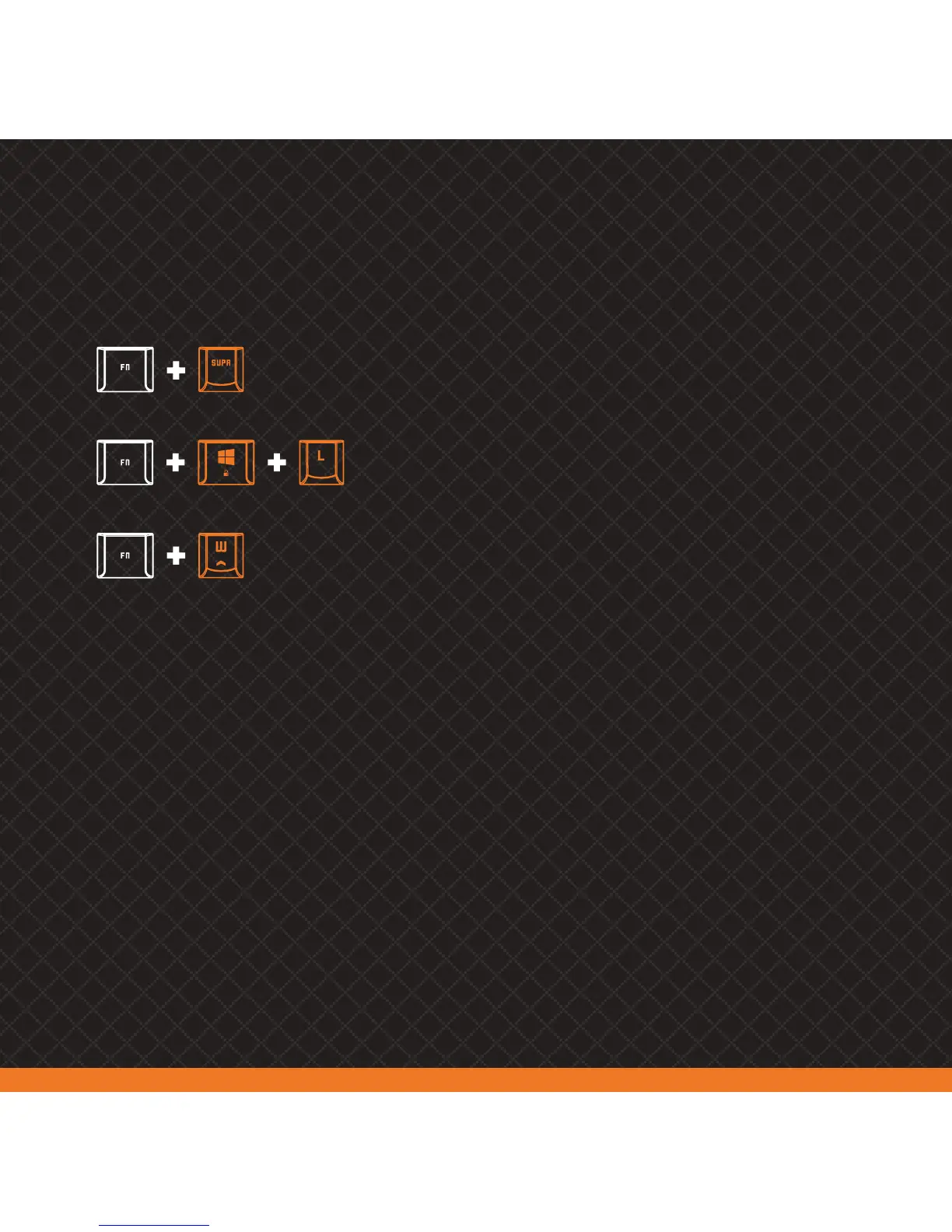
KHAIDO FUNCTION KEY SHORTCUTS
3) MACRO KEY CREATION
Khaido’s P1-P3 keys can store up to 18 macro keys combinations (6 macro combinations per key)
01. Choose a P1-P3 key and press FN+INSERT. All three indicator lights will start flashing
02. Choose a M1-M6 key to save your new macro combination
03. Type the keys combination you want to transform into a macro. Khaido macros can store up to 31 characters,
supporting both numbers and letters
04. Press FN+INSERT to stop and save your new macro combination
2) GAMING FUNCTIONALITIES
Resets keyboard
to factory settings
Changes between
WASD & direction keys
Locks Windows key (Gaming Mode)



 To Next Page