2
Power down the timeclock
Important: Before you open the timeclock, collect the data from it using the host application. For more
information, see the host application online help.
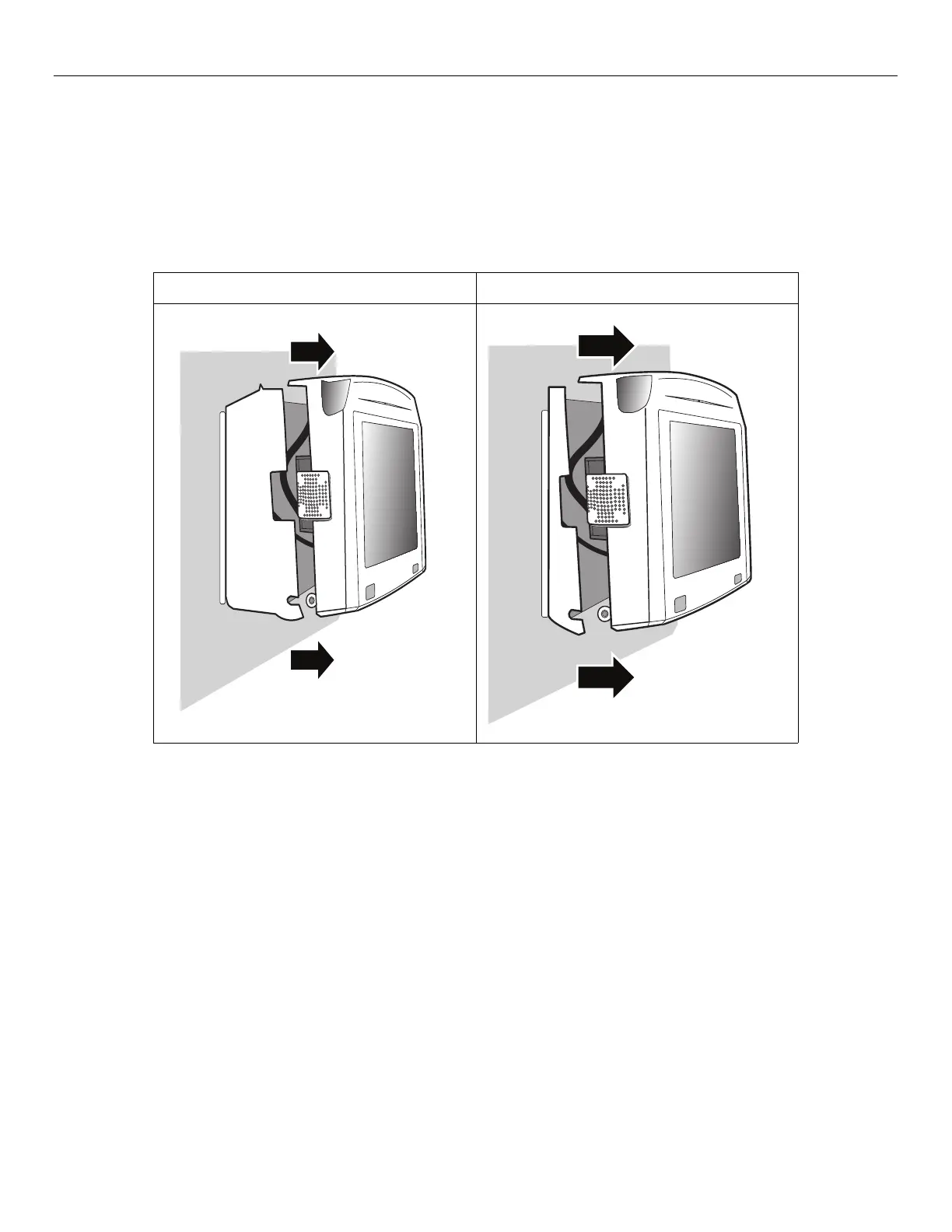
1. Use the security wrench to remove the top screw, and then loosen the security screws on the sides of the
timeclock.
Standard Model Slim Profile Model



 To Next Page