5
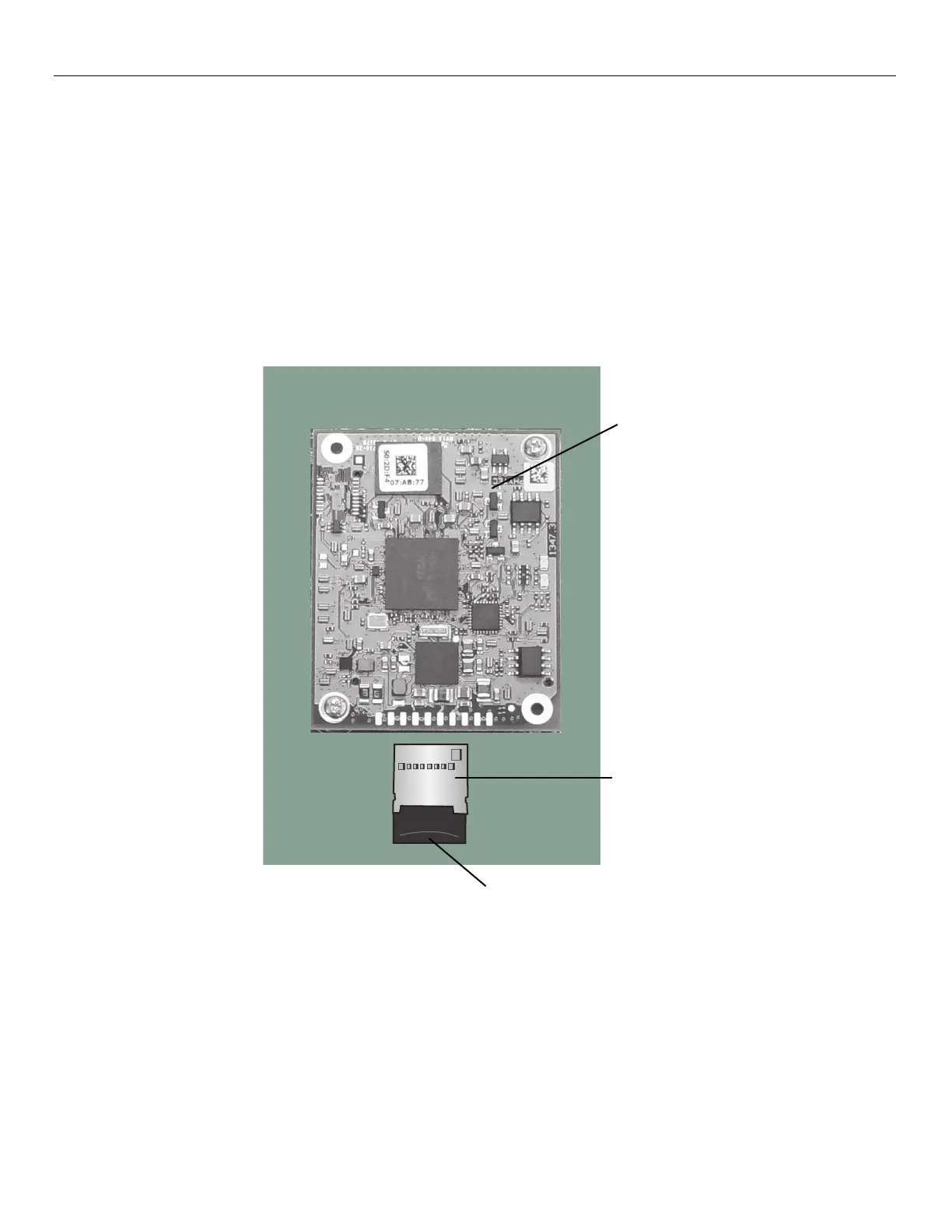
Replace the microSD card
Important: You must completely power down the
timeclock before replacing the microSD card.
1. There is a small arc inscribed on the microSD card. It might be partially covered by a barcode label. Use your
fingernail or small screwdriver to grasp the old microSD card and slide it out from the connector.
2. With the contacts on the new microSD card facing down, gently push the card into the connector until it fits snugly.
Do not apply too much pressure.
3. Go to “Next steps.”
CPU board
microSD card (installed)
connector



 To Next Page