31
FR
EN
NLNOFIITELSKPLUKBG DEDASVESPTCSHURUROHR
!
Important: You do not have to run the cleaning program as soon as the appliance noties you, but you should
do it reasonably soon after. If the cleaning is postponed, the alert message will remain displayed
until the operation has been performed.
!
Important: If you unplug your machine during cleaning or in the event of electrical failure, the cleaning program
will restart. It is not possible to postpone this operation: it is mandatory in order to rinse the water
system. In this case, a new cleaning tablet may be necessary.
For further explanations, please see the tutorials available in your machine’s settings.
HELP AND TUTORIALS
Want to know when you should perform the maintenance operations above?
An alert message will appear on the screen as soon as there is an action you need to take.
OTHER FUNCTIONS
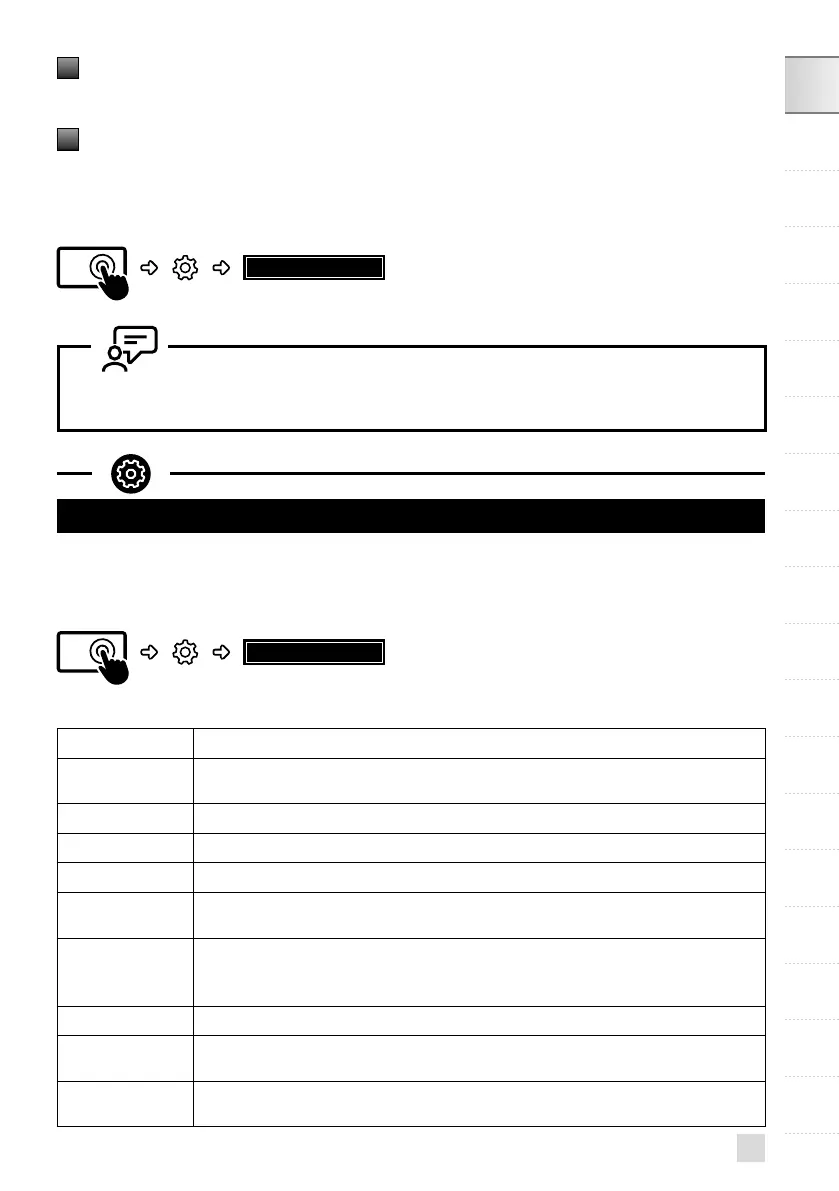
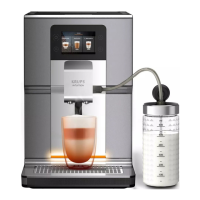
Your KRUPS Intuition machine has a range of settings – check them out! They let you create a more
personalised experience.
HOW DO I ACCESS MY MACHINE’S SETTINGS?
SETTINGS
LIST OF SETTINGS:
Language Select from 21 languages.
Date and time
You must set the date, particularly if using an anti-limescale cartridge. Time setting and
12 or 24 hour clock display.
Screen brightness Adjusts the screen backlight.
Light Turns the Intuitive Light Indicator on and off.
Display Choose whether drink options are displayed as slides or tiles.
Auto-stop
Sets the period of time after which your appliance will stop automatically. This function
lets you reduce your energy consumption.
Auto-start
Turns on the machine and automatically starts preheating the appliance at a chosen
time. Do you have your coffee at the same time every day? This function is for you! By
setting the auto-start, you can save time and no longer have to manually start your drink.
Volume unit Selects the unit of measurement: ml or oz.
Auto-rinsing
You can choose whether or not to activate automatic rinsing of the coffee nozzle when
starting the machine.
Water hardness
Set the hardness of the water between 0 and 4. For more information, see the “Water
hardness measurement” chapter.



 To Next Page