EasyManua.ls Logo

Krups GX420851 - User Manual

Krups GX420851
29 pages
Print Icon
To Next Page IconTo Next Page
Loading...
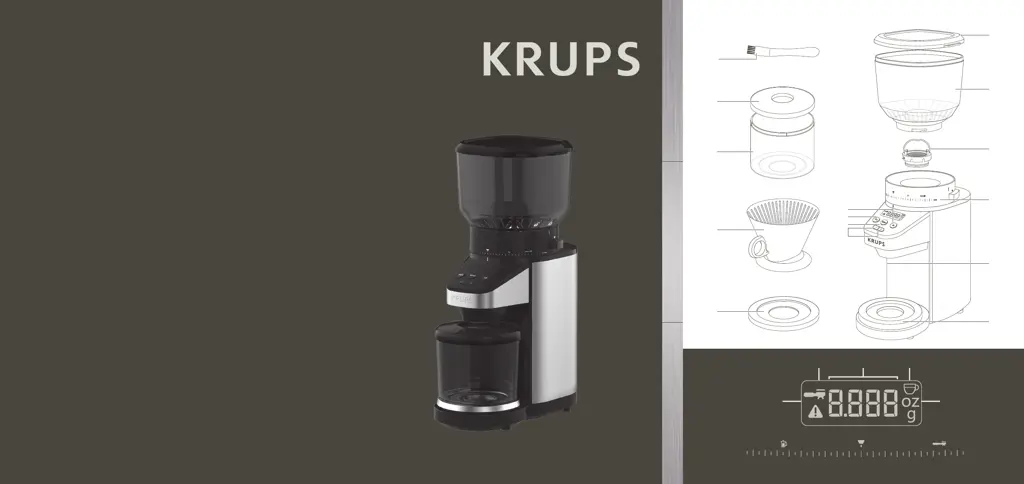
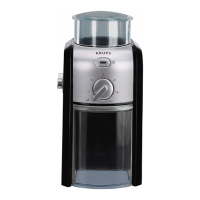
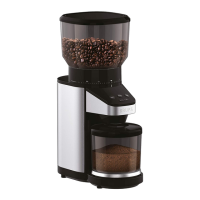
Automatic Conical Burr Grinder
with Scale
www.krups.com
ENFRES
9100021363
B
A
C
D
E
F
H
J
M
L
G
N
I
K
O
V lll
lll lV
COARS E FINE
26 12
EN ................. P. 1 – 8
FR ................. P. 9 - 18
ES ................. P. 19 – 27

Questions and Answers

  • K
    Kayla WilkersonJul 28, 2025
    Why does my Krups GX420851 stop in the middle of grinding?
    • M
      molinabrandonJul 28, 2025
      If your Krups Coffee Grinder stops during operation, it could be due to several reasons: 1. **Overheating:** Allow the appliance to cool down for 1 hour before using it again. 2. **Overheat Protection:** If it still doesn't work, contact Krups customer service. 3. **Unplugged:** Ensure the appliance remains plugged in during operation. 4. **Obstruction:** Detach the upper burr for cleaning and remove any obstructions. 5. **Exceeded Capacity:** Avoid exceeding the maximum capacity of beans in the bean hopper or ground coffee in the ground coffee holder, as this can cause overheating.
  • F
    Frank AllenAug 12, 2025
    What to do if my Krups GX420851 shows an E01 error?
    • L
      laura70Aug 12, 2025
      If your Krups Coffee Grinder displays an E01 error and won’t start, it could be due to these reasons: * The coffee hopper may not be correctly set. Refer to the “SET THE HOPPER” instructions. * The hopper might be empty. Fill up the tank and resume operation by pressing the Menu button. * The grinder could be jammed. Clean it before resuming.

Summary

Safety Instructions

Important Safeguards

Basic safety precautions to follow when using electrical appliances.

Description

Body Components

Identification of the appliance's physical components (hopper, burr, dispenser, etc.).

Control Panel Elements

Identification of buttons and indicators on the control panel.

Display Indicators

Identification of the various indicators on the appliance's display.

About Grinding Coffee

Before First Use

Set the Hopper

Instructions for removing and attaching the coffee bean hopper.

Set Coffee Grind Size

Guide to adjusting coffee grind fineness for different brewing methods.

Operating the Coffee Grinder

Cups Mode

How to set and operate the grinder using cup quantity.

Weight Mode

Manual Mode

Tare Function

Important Operational Checks

Practical Hints

Cups Ratio Guideline

Maintenance

Troubleshooting Guide

Krups International Limited Guarantee

Guarantee Conditions and Exclusions

Details on warranty conditions, exclusions, and consumer rights.

Krups GX420851 Specifications

General IconGeneral
ModelGX420851
CategoryCoffee Grinder
TypeElectric
MaterialStainless Steel
ColorBlack

Related product manuals