EasyManua.ls Logo

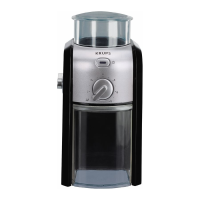
Krups GX550850 - User Manual

Krups GX550850
13 pages
Print Icon
To Next Page IconTo Next Page
Loading...
www.krups.com
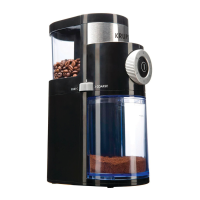
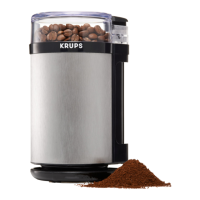
Coffee Grinder
2
1
5
11
9
3
8
4
7
6
10
9100035732-02
EN................. P. 1–7
FR................. P. 8–14
ES................. P. 15–21

Questions and Answers

  • M
    monicaespinozaJul 31, 2025
    What to do if my Krups Coffee Grinder stops during operation?
    • V
      vpriceJul 31, 2025
      If your Krups Coffee Grinder stops mid-operation, it might be due to overheating. Unplug the appliance, detach the upper burr for cleaning, and remove any obstructions. Allow the grinder to cool down for 30 minutes before attempting to use it again. Alternatively, ensure that you have not exceeded the maximum capacity of beans in the bean hopper or ground coffee in the ground coffee container.

Summary

Important Safeguards

Product Information

Description of Components

Lists and identifies all parts of the coffee grinder with corresponding numbers.

Technical Specifications

Details the electrical specifications like rated power, frequency, and voltage.

About Coffee Grinding

Explains how grind size affects coffee flavor and brewing methods.

Using the Coffee Grinder

Before First Use

Instructions for initial cleaning and preparation before operating the grinder.

Operating Instructions

Step-by-step guide on how to operate the coffee grinder for grinding.

Practical Hints and Tips

Advice on storing coffee beans, selecting grind fineness, and cup quantity.

Maintenance and Troubleshooting

Maintenance Procedures

Guidance on cleaning the grinder components to maintain aroma and performance.

Trouble Shooting Guide

Solutions for common issues such as the appliance not working or stopping.

International Limited Guarantee

Krups GX550850 Specifications

General IconGeneral
ModelGX550850
CategoryCoffee Grinder
TypeElectric
ColorBlack
Capacity200g
Power200 W
MaterialPlastic and Stainless Steel

Related product manuals