O Turns o the video noise detection.
Low Detects and reduces low video noise.
Middle Detects and reduces moderate video
noise.
High Detects and reduces high video noise.
Default Set as Default.
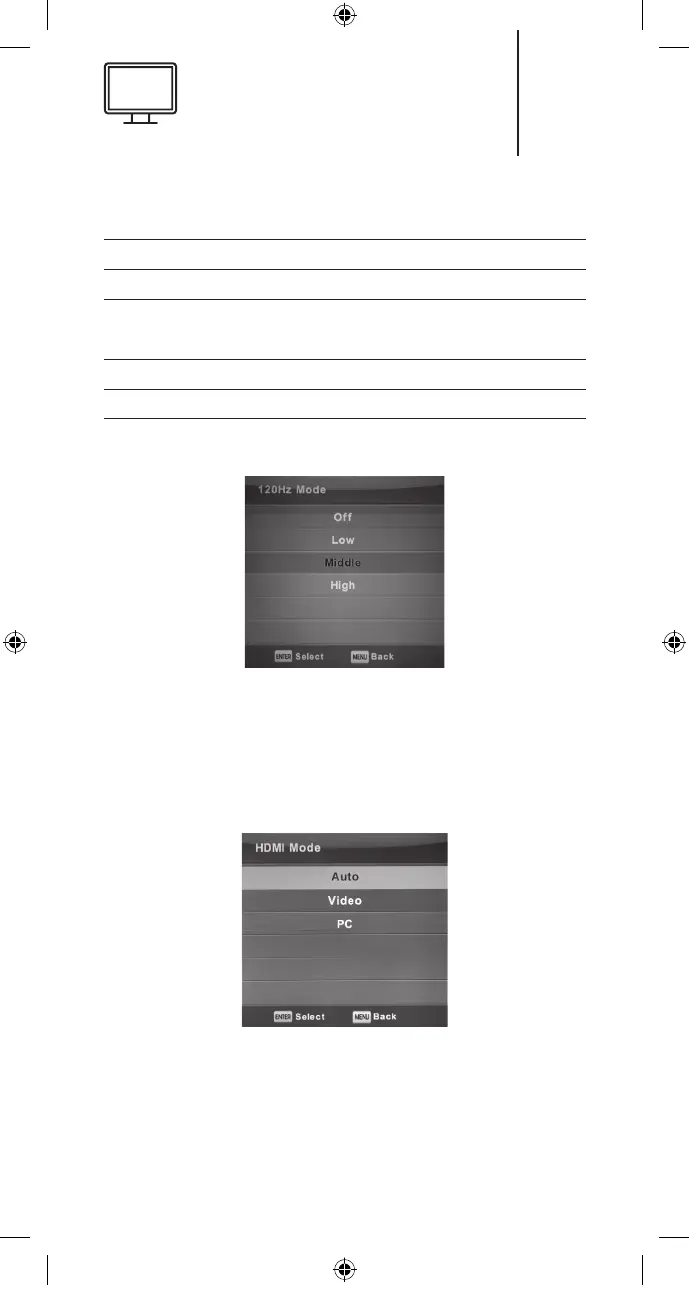
(120Hz mode only with UHD TV)
Adjusts the motion compensation.
Higher setting may improve the motion perfor-
mance when watching sports or playing games.
Press the
▼/▲
button to select [O/Low/Middle/High]
HDMI Mode
Press the ▼/▲ button to select the HDMI Mode
and then press the OK button to enter the sub-
menu.
27
K5128X22F User manual.indb 27K5128X22F User manual.indb 27 2020. 02. 12. 15:57:472020. 02. 12. 15:57:47


 To Next Page