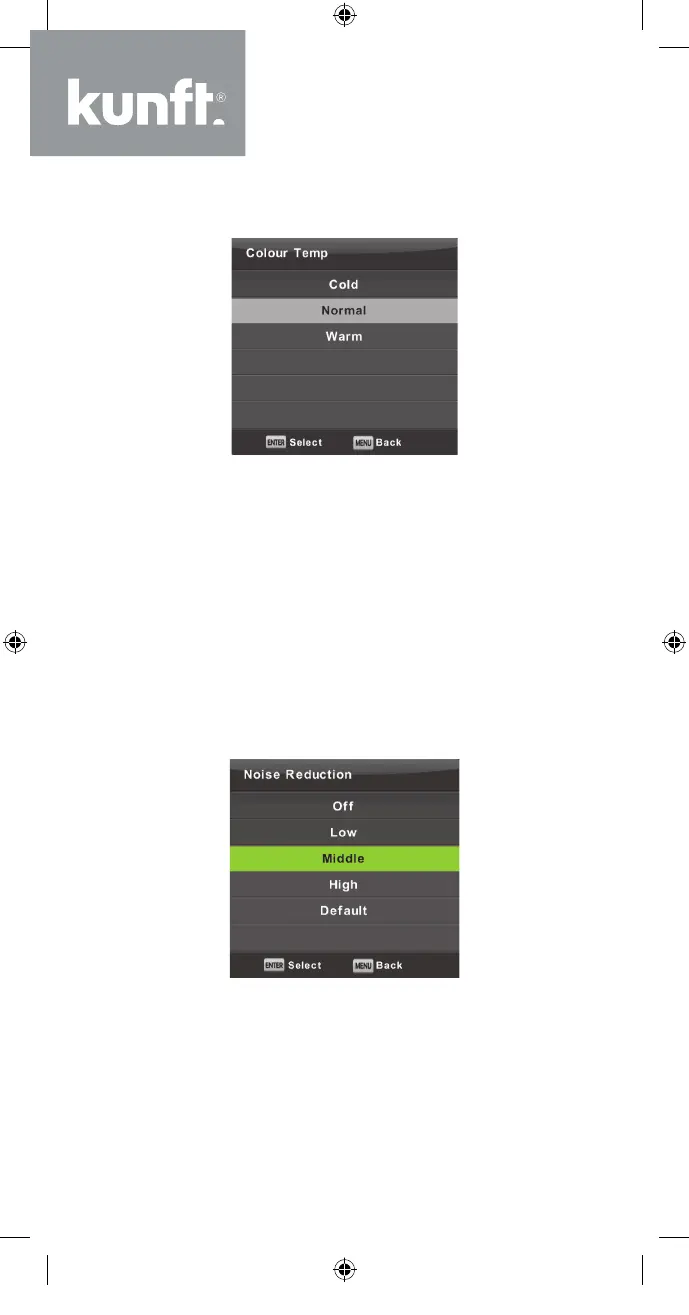
Colour Temp
Changes the overall colour cast of the picture.
Press the ▼/▲ button to select Colour Temperature
and then press the OK button to enter the sub-menu.
Press the ▲/▼ button to select. (Picture modes
available: Cool, Medium, Warm).
Cold Produces a gentle blue-hued image.
Normal Produces a vivid image.
Warm Produces a red-hued image.
Noise Reduction
To filter out and reduce the image noise and im-
prove picture quality.
Press the ▼/▲ button to select Noise Reduction
and then press the OK button to enter sub-menu.
26
K5128X22F User manual.indb 26K5128X22F User manual.indb 26 2020. 02. 12. 15:57:472020. 02. 12. 15:57:47


 To Next Page