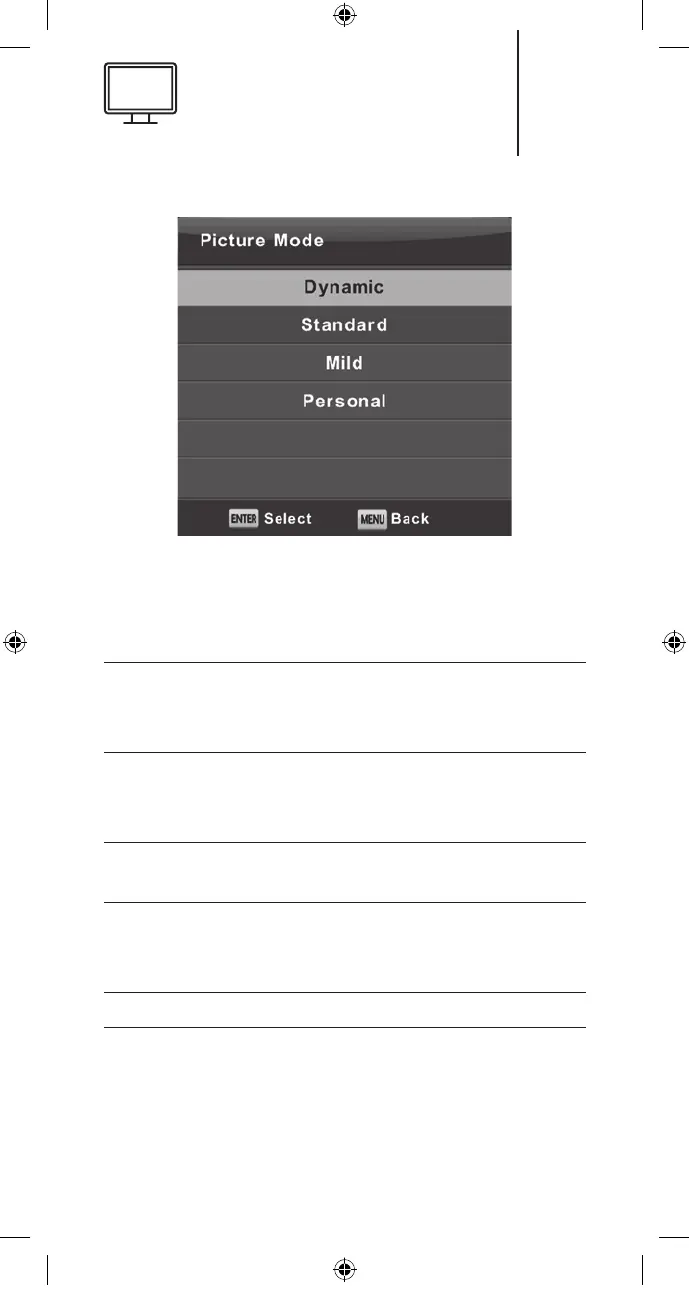
Contrast / Brightness / Colour / Tint / Sharpness
Press the ▼/▲ button to select the desired op-
tion and then press the Enter/ ► button to adjust.
Contrast Adjusts the highlight intensity of the
picture, but the shadow of the picture
is invariable.
Brightness Adjusts the optical fibre output of the
entire picture, it will aect the dark re-
gion of the picture.
Colour Adjusts the saturation of the colour
based on your own like.
Tint Used to compensate colour changed
with the transmission in the NTSC
code.
Sharpness Adjusts the peaking in the picture detail.
25
K5128X22F User manual.indb 25K5128X22F User manual.indb 25 2020. 02. 12. 15:57:472020. 02. 12. 15:57:47


 To Next Page