AD Switch
Press the ▼/▲ button to select AD Switch and
then press the ◄/► button to select On or O.
Auto Volume: This feature reduces the dierence
between the channel and the programme’s volume
automatically.
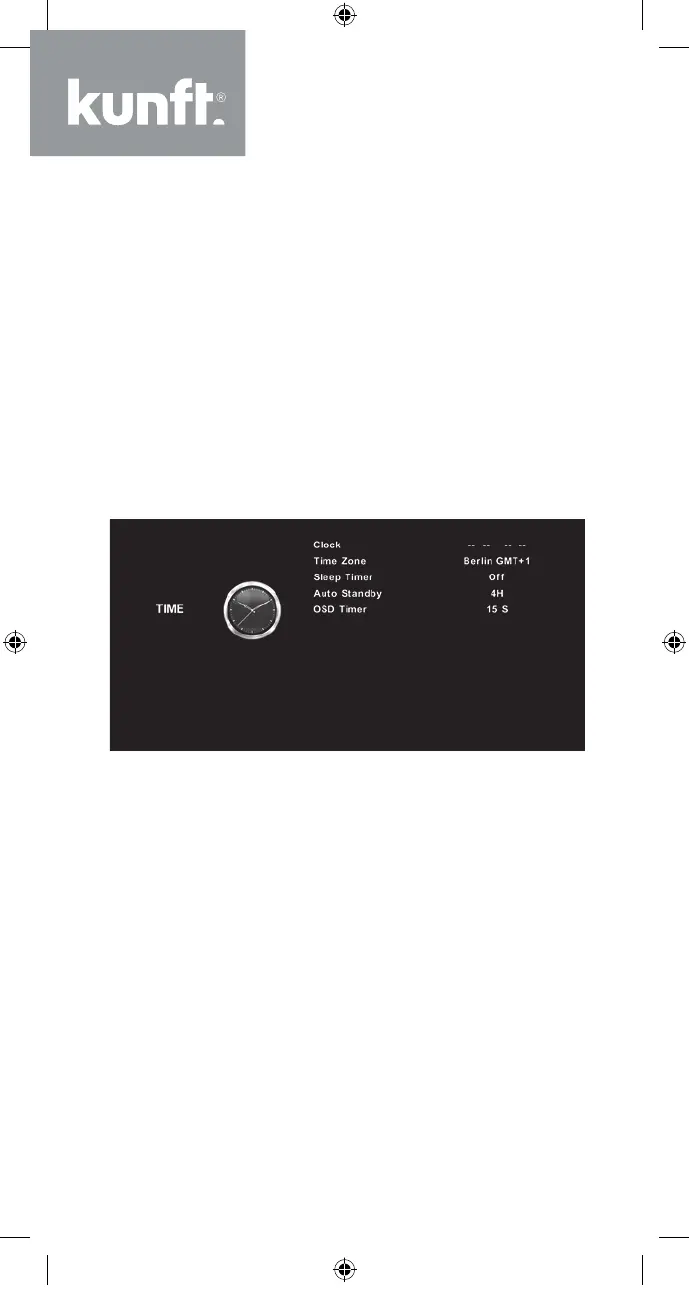
Time Menu
Press the MENU button to display the main menu.
Press the ◄/► button to select TIME in the main
menu.
1. Press the ▼/▲ button to select the option that
you want to adjust in the TIME menu.
2. Press the Enter button to adjust.
3. After finishing your adjustment, press the Enter
button to save and return to the previous menu.
Time Zone
Press the ▼/▲ button to select Time Zone and
then press the Enter button to enter the sub-menu.
Press the ▼/▲ / ◄/► button to select a time
zone.
30
K5128X22F User manual.indb 30K5128X22F User manual.indb 30 2020. 02. 12. 15:57:482020. 02. 12. 15:57:48


 To Next Page