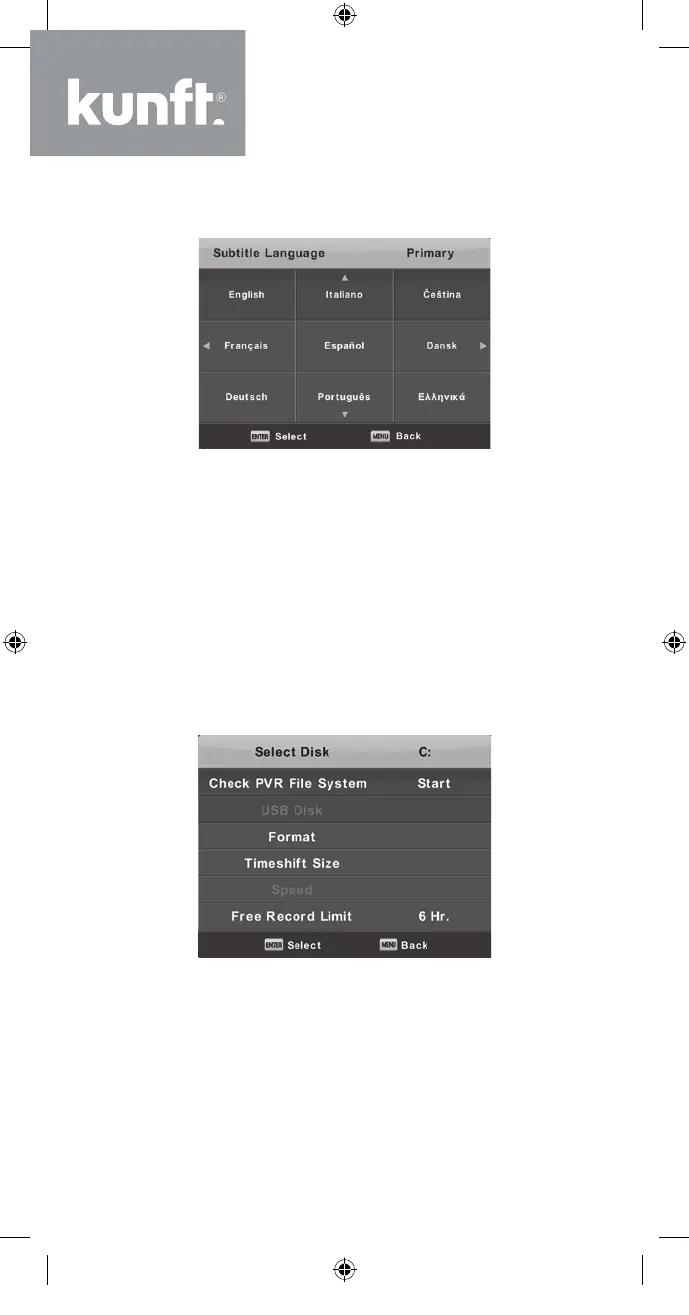
Subtitle Language
Press the ▼/▲ button to select Subtitle Lan-
guage and then press the Enter button to enter
the sub-menu. Press the ◄/► button to select the
primary Subtitle Language. Press the ▼/▲/◄/►
button to select the Subtitle Language.
Hearing Impaired
Press the ▼/▲ button to select Hearing Impaired
and then press the Enter button to select On or O.
PVR File System
Press the ▼/▲ button to select PVR File Sys-
tem and then press the Enter button to enter the
sub-menu. Press the ▼/▲ button to select Check
PVR File System and then press the Enter button
to enter. It will, then, check the USB speed.
38
K5128X22F User manual.indb 38K5128X22F User manual.indb 38 2020. 02. 12. 15:57:482020. 02. 12. 15:57:48



 To Next Page