Operating the oven
User's guide
49
10.7. Automatic programme
10.7.1 Selecting an automatic programme
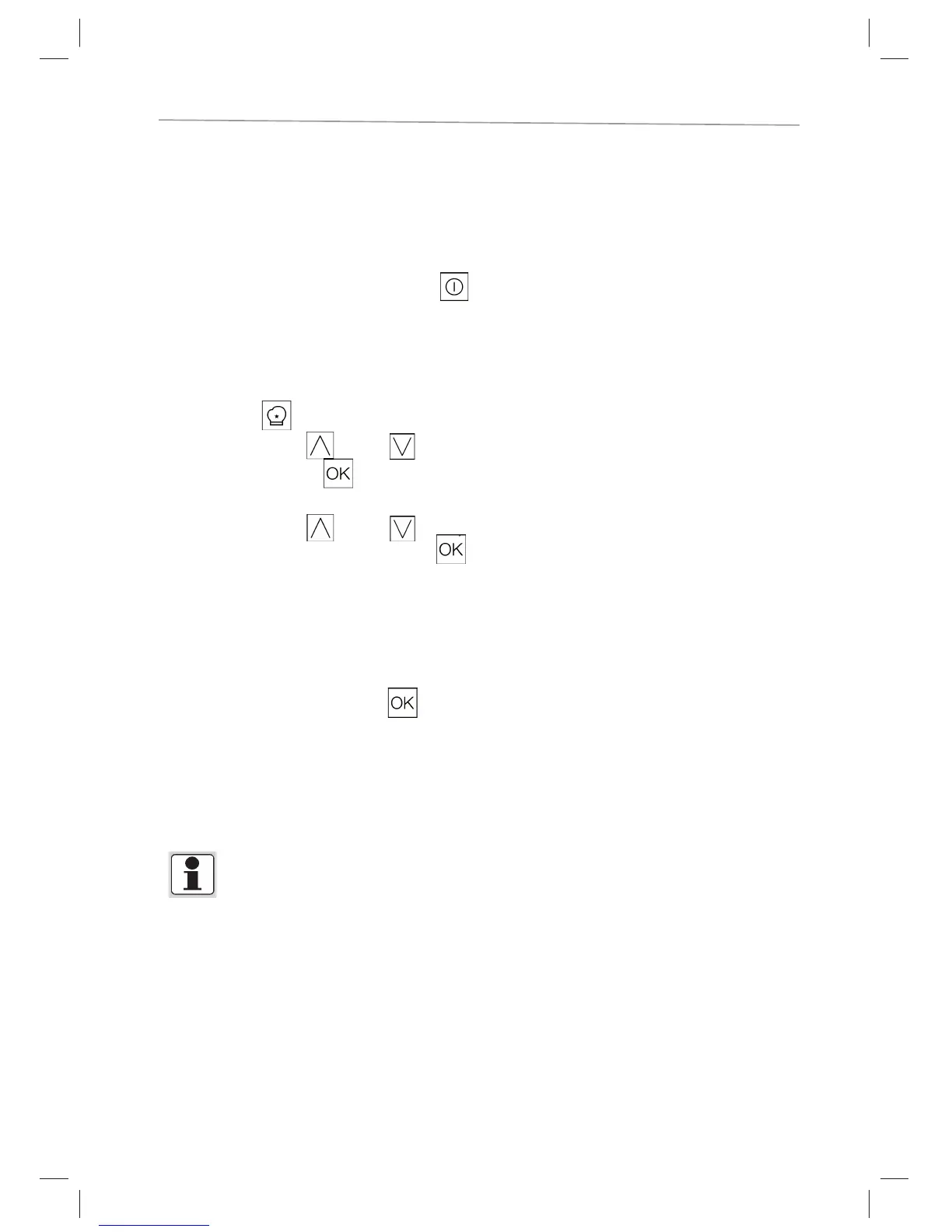
□ Switch the oven on by pressing symbol .
□ Select the
tile on the home screen.
□ Press the symbol
(up) or (down) to select the category..
□ Confirm by pressing
.
□ Press the symbol
(up) or (down) to select the automat-
ic programme and confirm by pressing
.
Then set weight and cooking setting in the same way. Cooking times are
automatically calculated. You can also set the fi nish time (see End of
cooking time setting) or modify the cooking time.
□ To confirm the settings, press
. The cooking process will be
commenced.
* In selected programs it is not necessary to set a weight.
Depending on the program, the oven may indicate at which level the
food should be inserted.
In selected programs, the empty oven must fi rst be preheated. The oven shows you when the
food must be placed in which level.



 To Next Page