Section 4.0 - Rules
Work Safely. Always wear safety glasses near the machine.
Date Code Line Type:
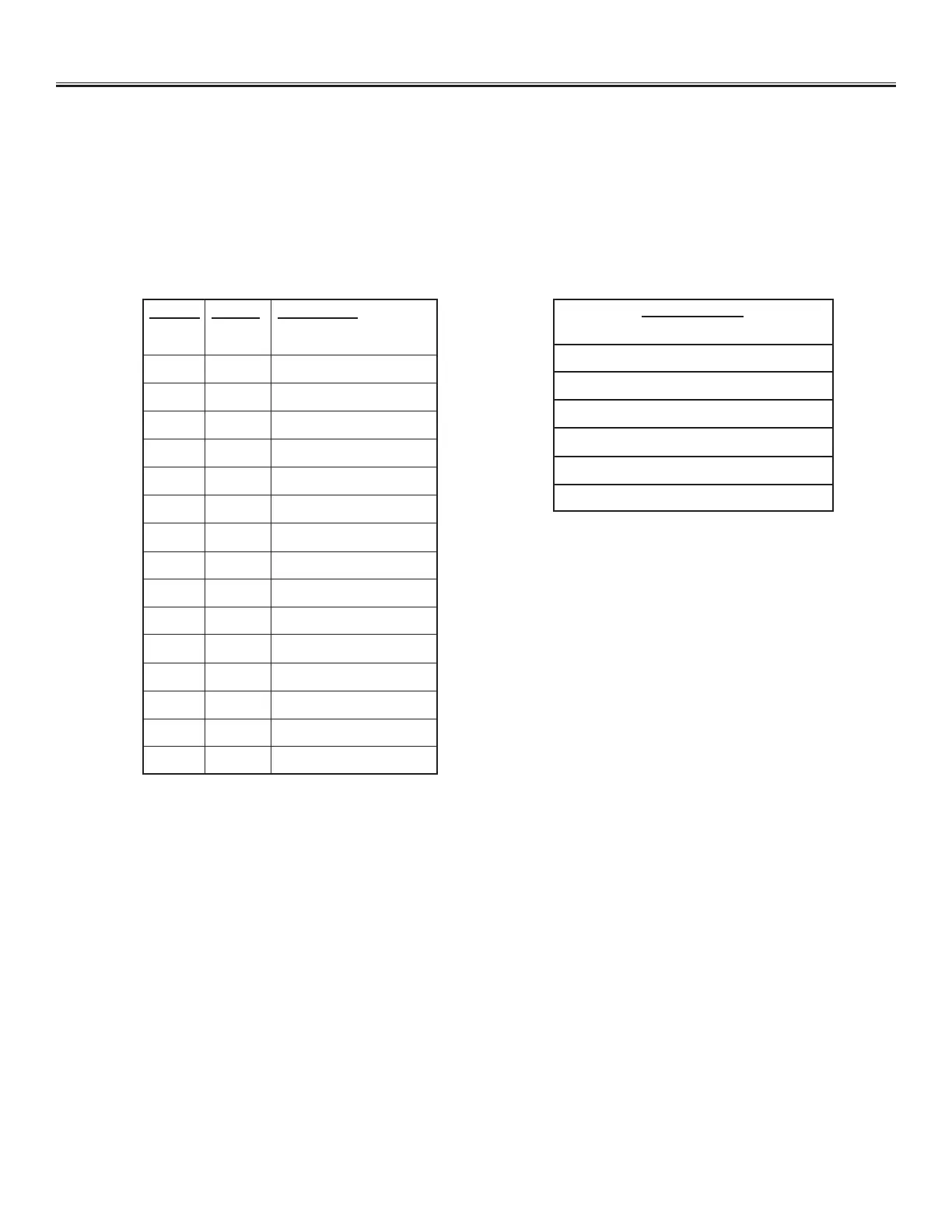
Date, Time and Shift Code functions are used to automatically mark the current values as listed in below chart.
Variable Line Type:
Variable line types allow the user to enter the marking data on the machine with the keyboard or a bar code scanner.
There may be multiple Variable lines in a le. The text height and X and Y positions are setup as a regular line. When the
le is run on the machine, it will prompt the operator to input the text to be marked. This may be input from the keyboard
or optional bar code scanner.
EX: Marking data from a scale or instrument readout in the shop.
EX: Marking a job that requires new data to be input for each cycle.
Move Line Type:
The move line type moves the machine to an X & Y position, and does not do anything. It is useful for controlling
the path between lines to miss obstructions such as clamps, pins, gussets, etc.
MM/DD/YY 01/12/18
MM-DD-YYYY 01-12-2018
MMM-DD-YYYY JAN-12-2018
Mmm DD YY Jan 12 18
YY-WY 18-2
HH:MN:SS 11:50:41
HR:MN 11:51
EXAMPLES:
Format Output Description
YR =8 Year
YY =18 Year
YYYY =8 Year
MM =01 Month
MMM =JAN Month
Mmm =Jan Month
DD =12 Date
DJ =012 Julian Date
DY =12 Day of Year
WY =2 Week of Year
SH =Code From Shift File
HR =01 12 Hr
(Zero Padded 12 Hr)
HH =13 24 Hr (Non Padded 24 Hr)
HM =13 24 Hr (Zero Padded 24 Hr)
HN =1 12 Hr (Non Padded 12 Hr)
MN =34 Minute


 To Next Page