2
Chapter 1 : DVD Maker 2 Hardware Installation
1.1 Package Contents
Unpack your DVD Maker 2 package and make sure that all items are intact. The following items should be
included in your package:
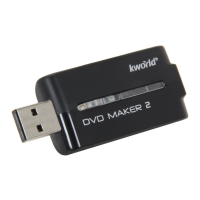
z DVD Maker 2 Device
z Multi-cable
z External USB cable
z Quick start guide
z CD-ROM with driver
z CD-ROM with Cyberlink PowerDirector 7 and CyberLlink PowerProducer 5
z CD-ROM with 3DBank CG PAK and DV LOOPS
1.2 System Requirements
z Pentium-IV 1.6GHz or higher (recommended)
z 256 MB RAM of system memory or above (recommended)
z One available USB2.0 port (preferably USB2.0)
z Graphics Card (Must support DirectX 9.0c)
z Sound Card (AC97 compatible sound card)
z 1GB Free HD Space
z CD-ROM Drive (For software installation)
z Microsoft Windows XP/ Windows Vista/Apple Mac
1.3 Hardware Installation
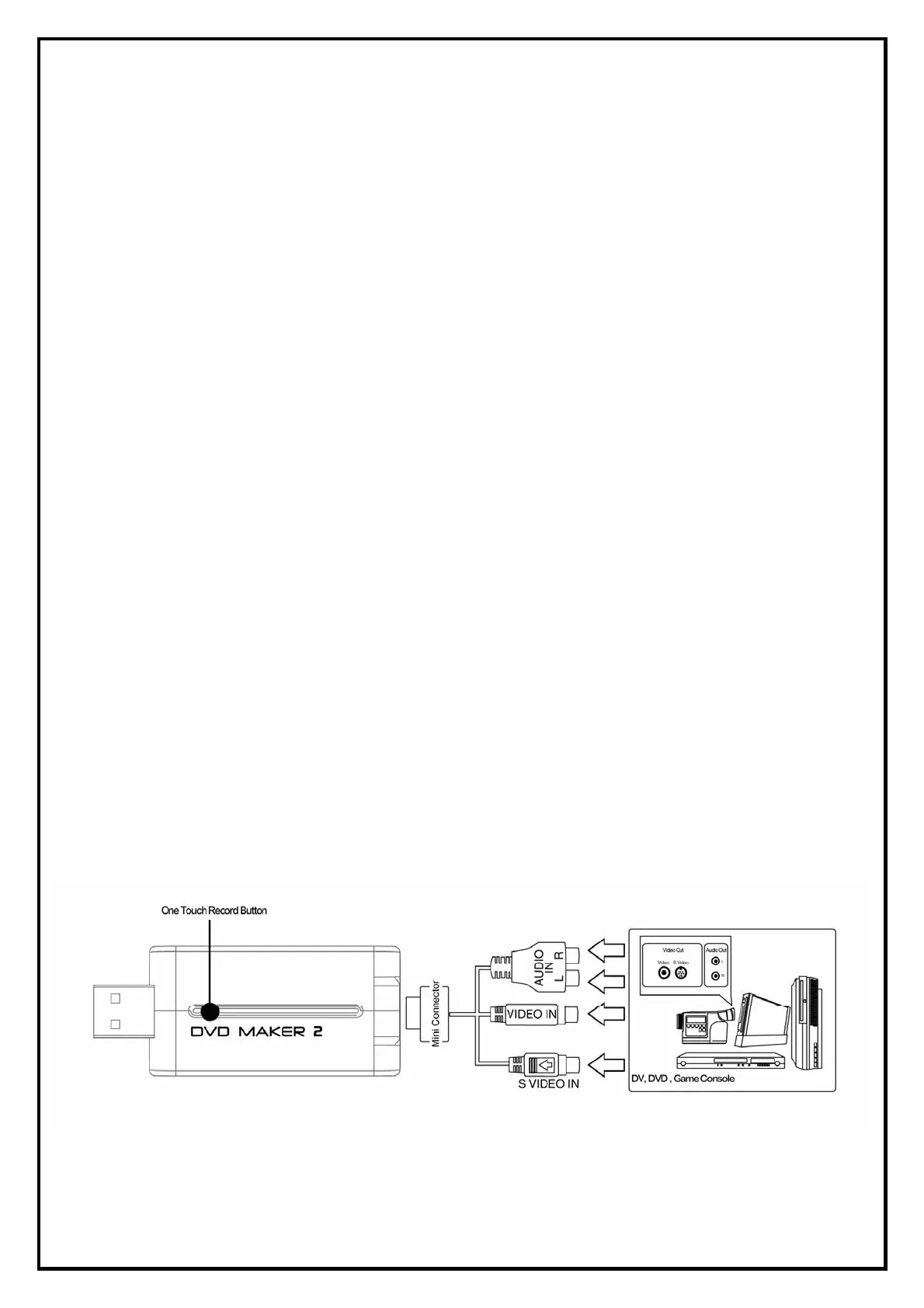
Please follow the steps shown below for installation of your DVD Maker 2 and follow the pictorial guide
below for peripheral connections.
1. Connect the AV/S-VIDEO input into the DVD Maker 2 connector.
2. Plug DVD Maker 2 Dongle into the USB 2.0 port of your system.


 To Next Page