EasyManua.ls Logo

KWorld DVD MAKER 2 - How to Uninstall Device Driver

KWorld DVD MAKER 2
10 pages
Print Icon
To Next Page IconTo Next Page
To Previous Page IconTo Previous Page
Loading...
4
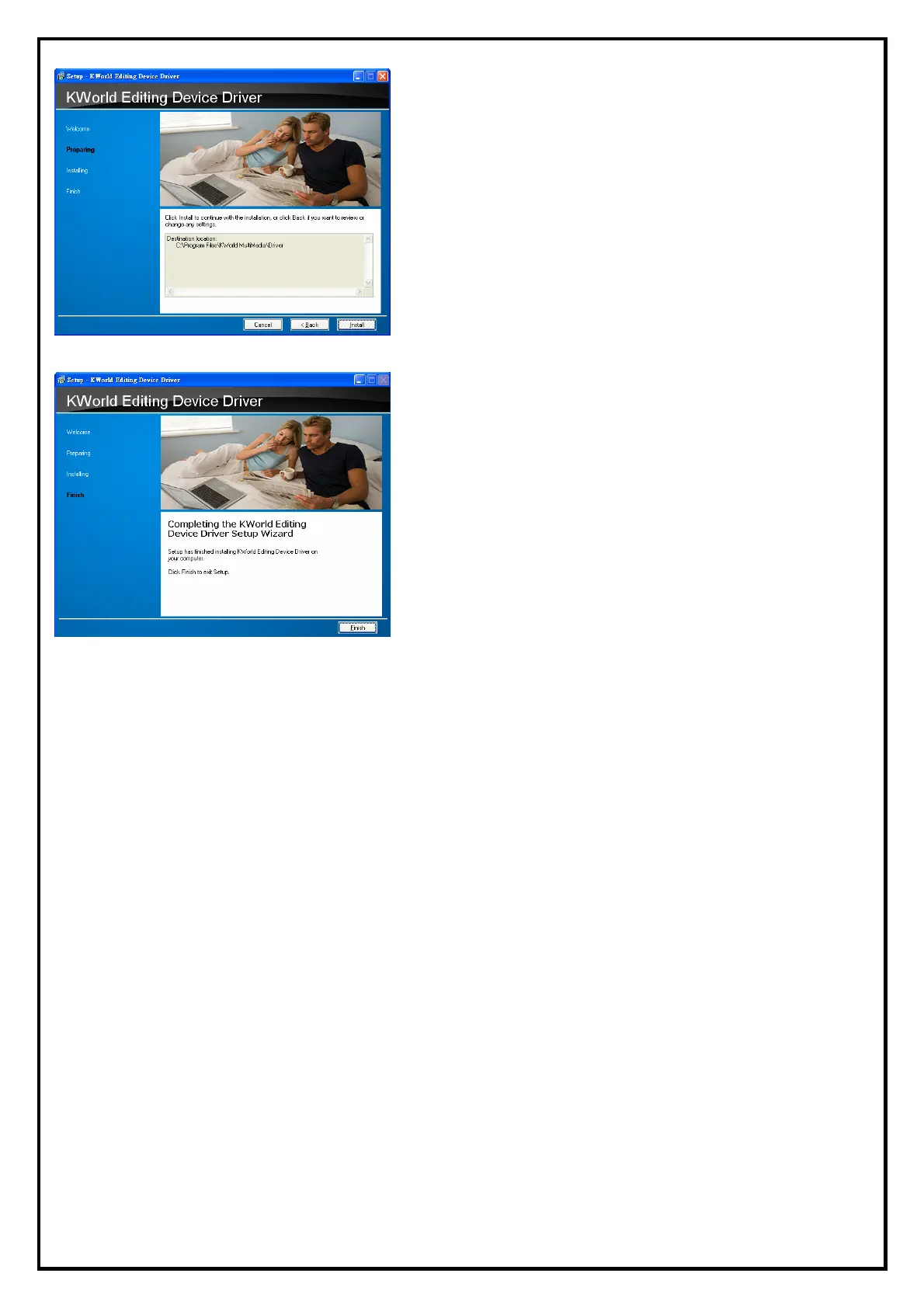
5. Click “Install” to continue with the installation, or click
‘’Back if you want to review or change any settings.
Please wait, while the installation is in process
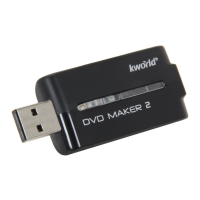
6. Please choice “Finish” and Now the driver has been
installed on your computer.

Other manuals for KWorld DVD MAKER 2

Related product manuals