Q4. How to install DVD MAKER 2
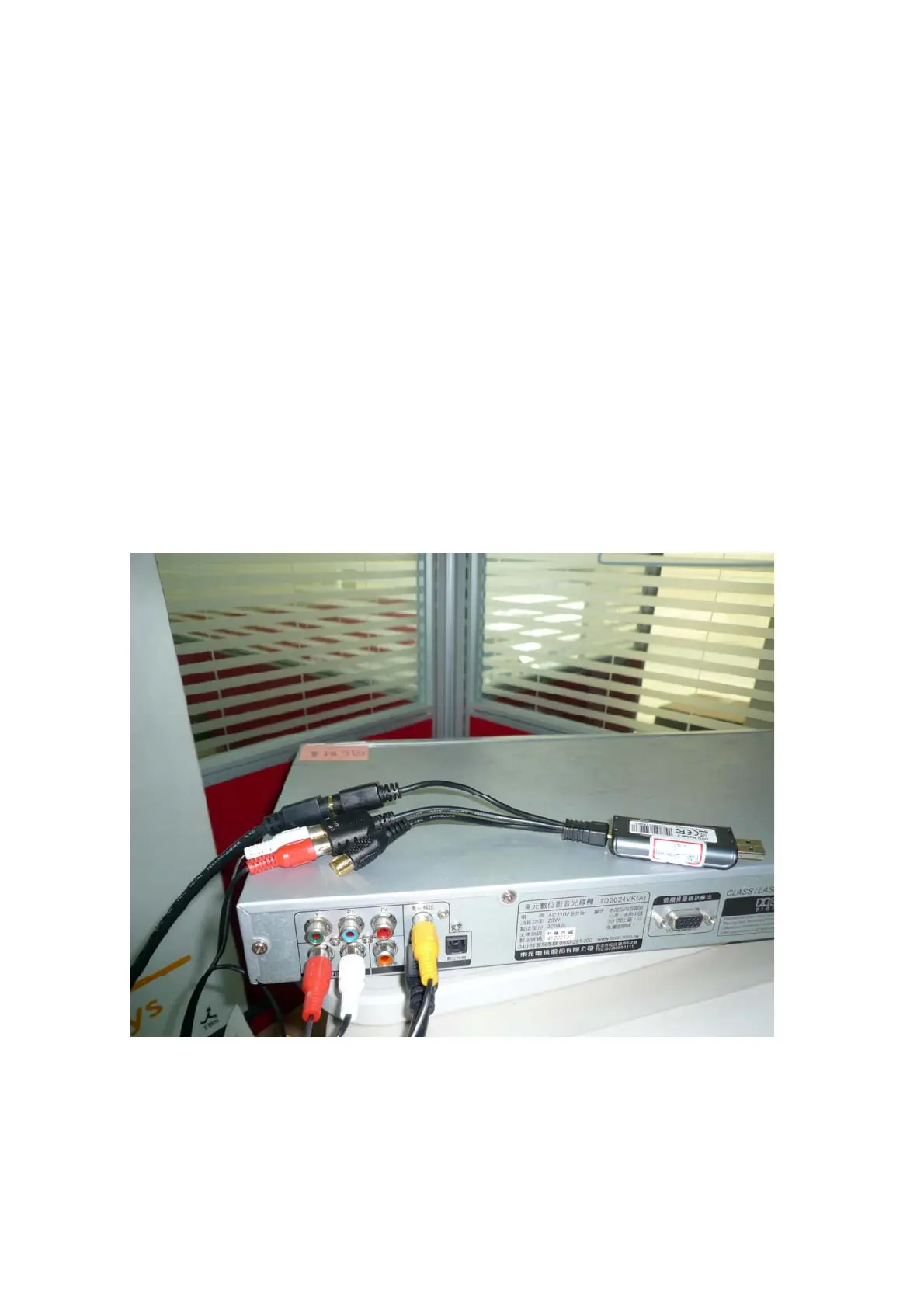
Please check the hardware connection:
1. Please check the RCA Audio output port is fine. Please try to connect the
Multimedia player (your VHS) to TV to test the sound whether is normal to heard.
2. Please connect another Multimedia player(CD player、MP3、iPAd…) to
your PC Audio input jack via the 3.5mm cable to test whether the sound can be
heard form speaker.
3. Connect the Multimedia player to DVD MAKER 2 Via the Audio-in RCA
jack(Red and White RCA cable) and the PC Audio input port(Line in
/Microphone) to DVD MAKER USB2.0 via the 3.5mm cable audio cable.


 To Next Page