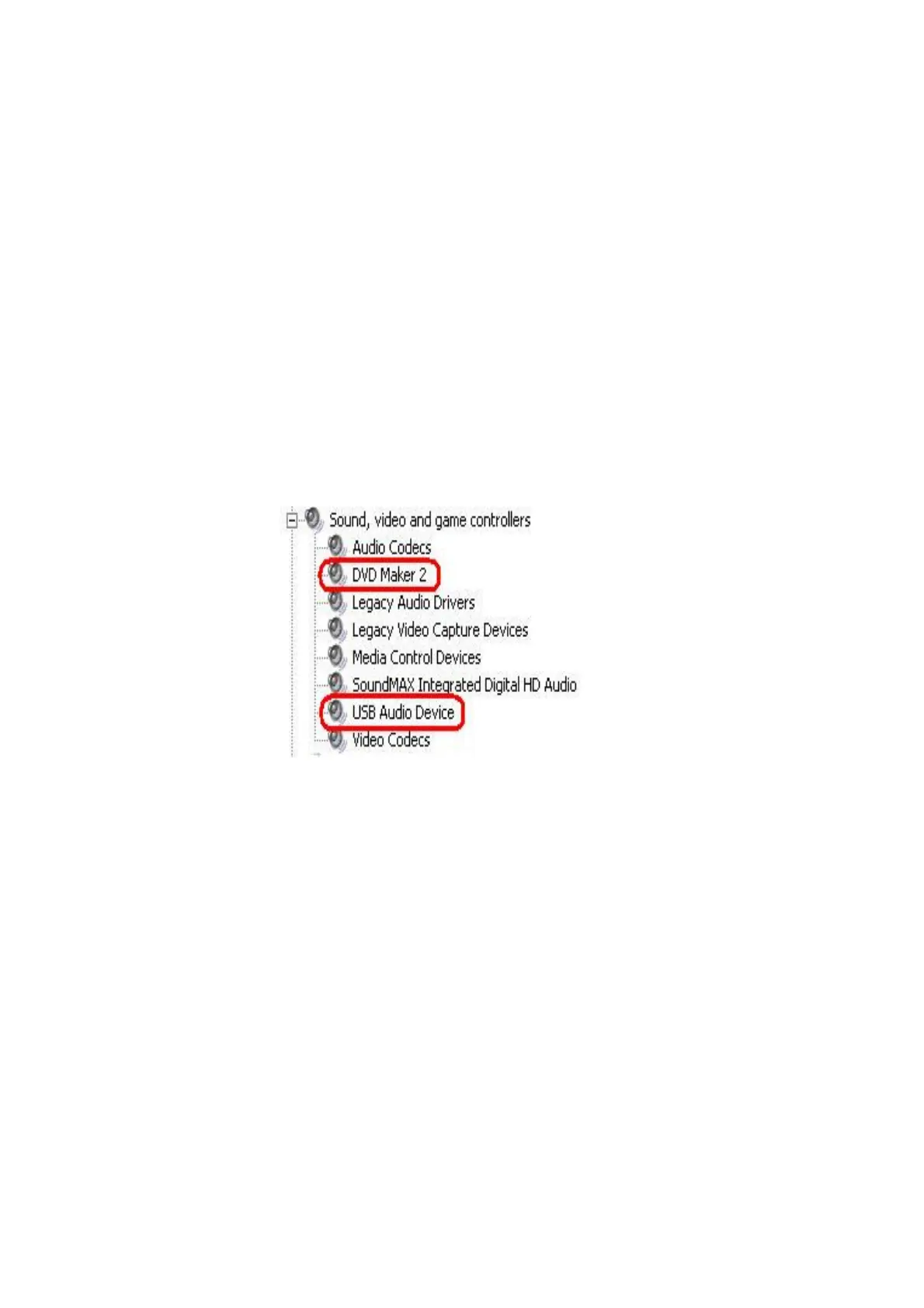
Q1. How to check if the driver has been installed successfully or not?
Right click on “My Computer” on the desktop and choose “Properties”.
Once in “Properties” window, click on “Device Manager” in Hardware panel.
Click on the plus icon of “Sound, video and game controllers”
to open the device list. See below.


 To Next Page