10
Once charged, get your headset paired and connected to your
Bluetooth phone and/or other Bluetooth enabled device.
1. Turn off any Bluetooth devices previously paired with your
headset.
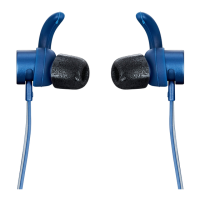
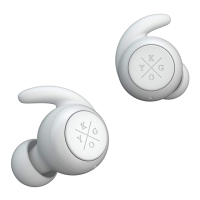
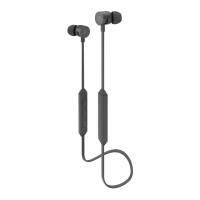
2. Hold the multifunction button on your Kygo E4/600 earphones for
5 seconds until BLUE and RED LEDs are blinking.
3. Turn on the Bluetooth feature on your phone or device and select
Kygo E4/600. Enter “0000” as PIN if the device prompts for the
code.
Bluetooth Pairing


 To Next Page