Need help?
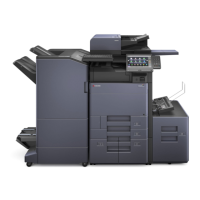
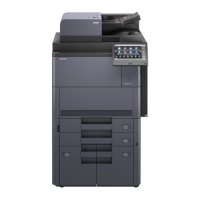
Do you have a question about the Kyocera 2553ci and is the answer not in the manual?
Steps to cancel active print jobs through the operation panel.
Specifying the number of copies and initiating the copy process.
Opening a web browser and inputting the machine's IP address or host name.
Setting up SMTP server name, e-mail size limit, and sender address.
 General
| Resolution | 600 x 600 dpi |
|---|---|
| Duplex Printing | Yes |
| Print Resolution | 1200 x 1200 dpi |
| Scan Resolution | 600 x 600 dpi |
| Operating System Compatibility | Windows, Mac OS, Linux |
| Print Speed | 25 ppm |
| Memory | 1.5 GB |
| Hard Disk Drive | 320 GB |
| Monthly Duty Cycle | 100, 000 pages per month |
| Connectivity | USB 2.0 |
| Type | Color Multifunction Printer |
| Function | Print, Copy, Scan |
| Paper Size | A4, A5, A6, B5, Legal, Letter |


 To Next Page