14
Access Email or Gmail Messages
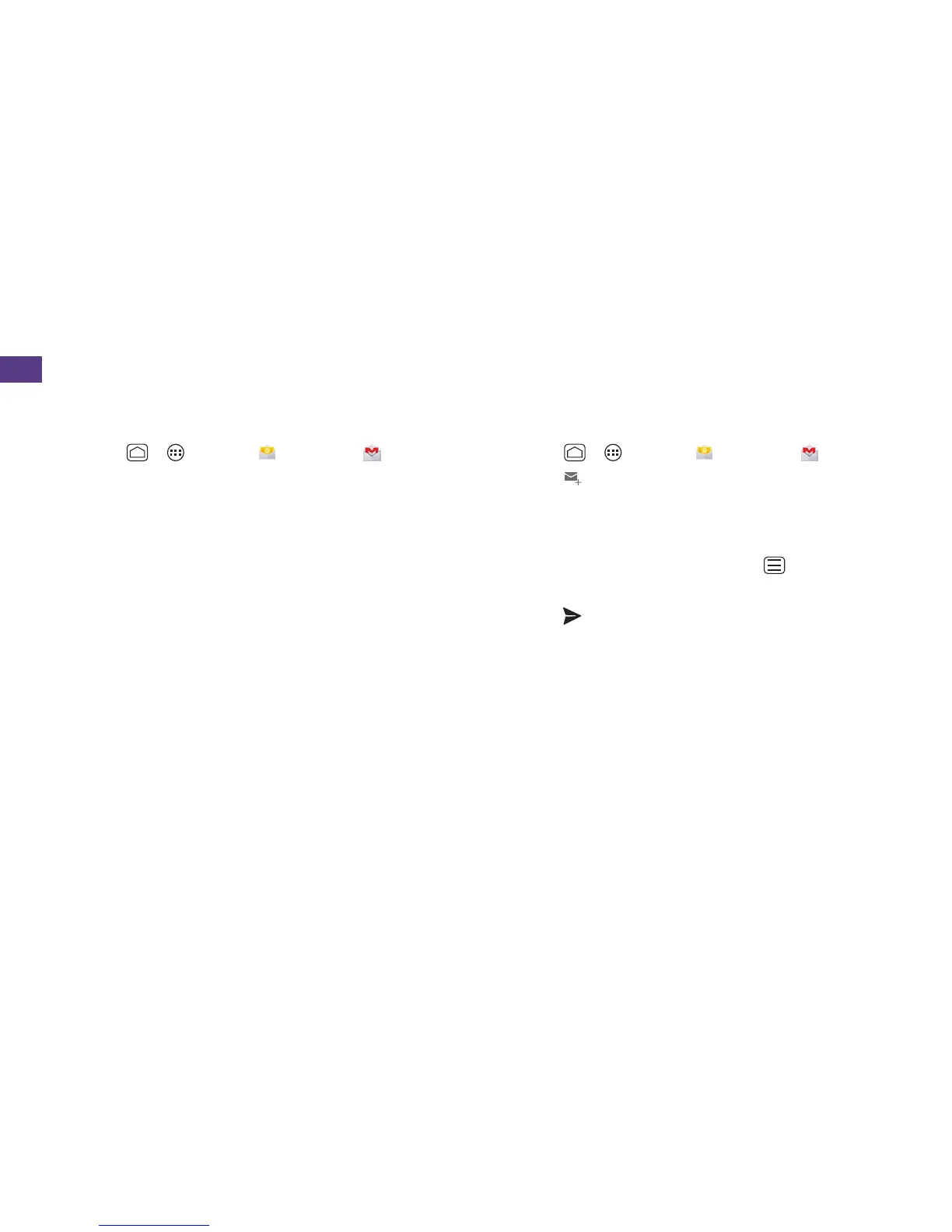
1. Touch >
> Email
or Gmail .
• To view a dierent folder, touch the folder
name at the top of the screen and then
touch the folder you want to view.
2. From the selected folder, touch the
message you want to view.
Send an Email or Gmail Message
1. Touch >
> Email
or Gmail .
2. Touch
.
3. Enter an email address in the To: ield.
4. Enter a subject and a message.
• To add attachments, touch
>
Attach ile and select an attachment.
5. Touch .
Email



 To Next Page