8
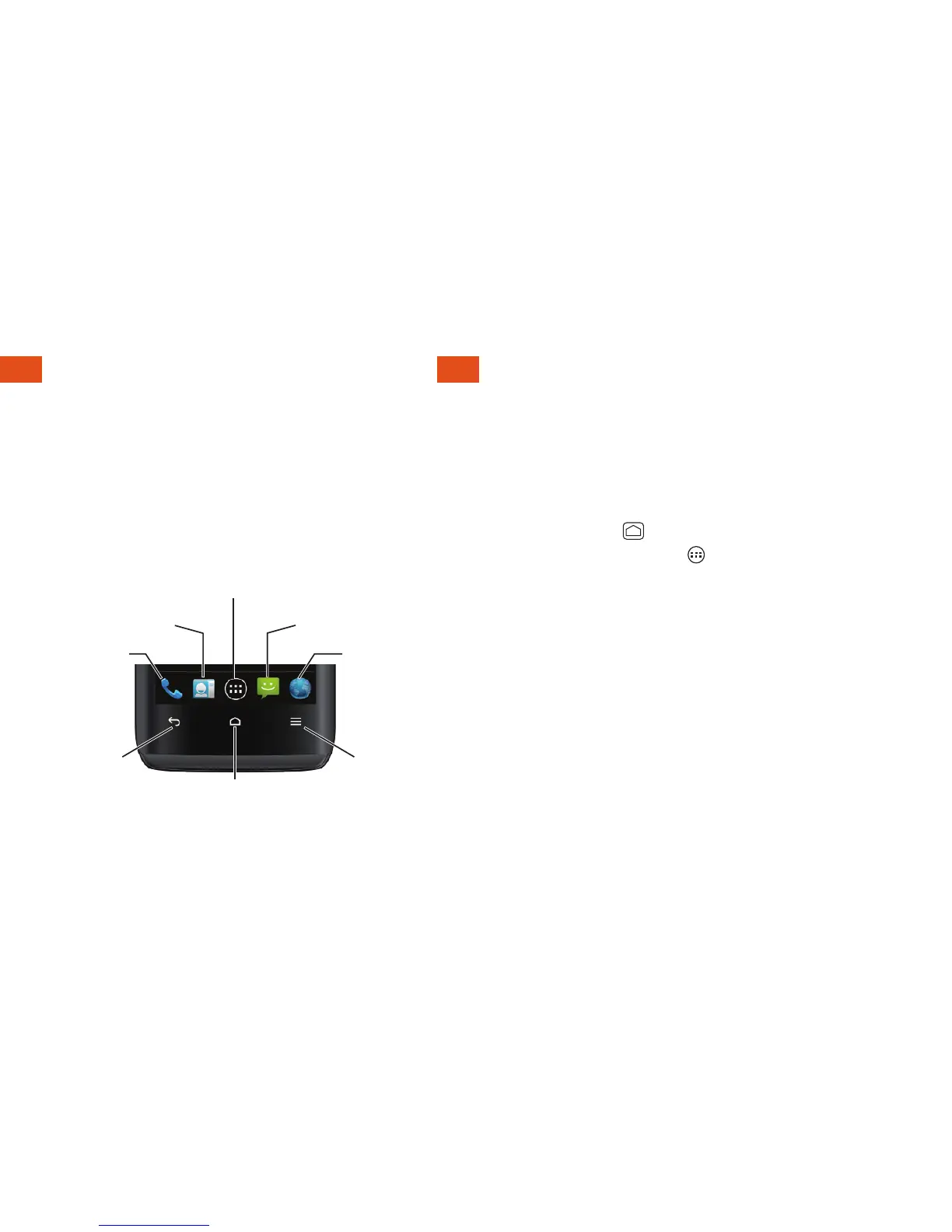
Buttons and Keys
Phone
People
Browser
Messaging
Menu
Key
Home
Key
Back
Key
Apps
Open Apps
Buttons and Keys
The bottom front of your phone contains a
Home button and two touch keys. Above
this row is a row of program icons that are
available from every Home screen.
Open Apps
• If an app is on one of your Home screens,
just touch it to open it.
• If an app is not available from your Home
screen, touch
(if you’re not already on the
Home screen), touch to display the
applications list, and then touch the
application from the alphabetical list. You
may have to scroll to the side to ind the
application you’re looking for.












 To Next Page