4
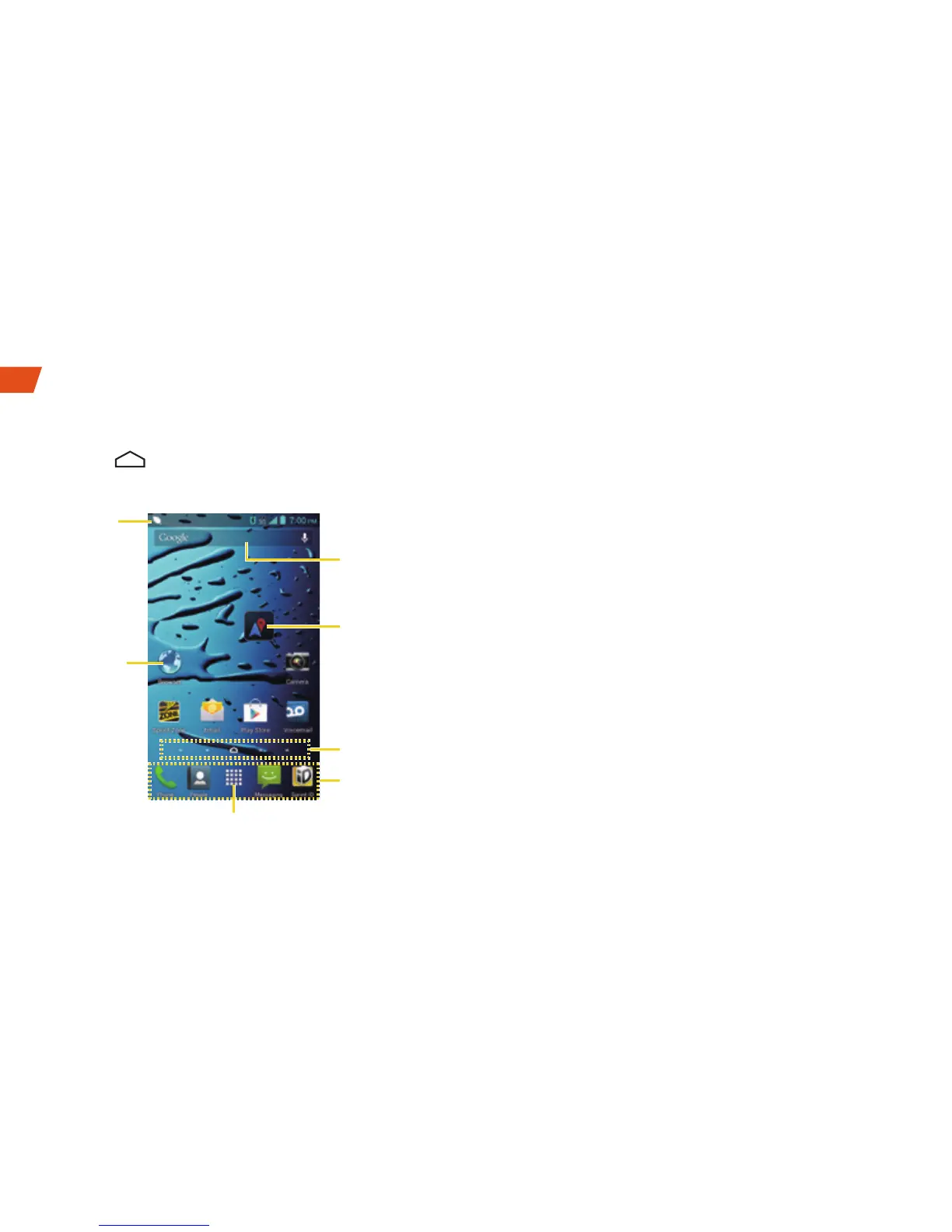
Home Screen
► Touch to display your Home screen.
Notifications Panel
When you see a notification icon on the left side
of the status bar, drag the status bar down to
display the Notifications panel. Touch a
notification to open the related application, such
as messaging, call list, or event.
To close the panel, drag the bottom bar up or
touch the Close bar at the bottom of the screen.
Status
Bar
Google
Search Bar
Favorites Tray
Screen
Position
Indicator
Shortcut
Folder
Application Launcher
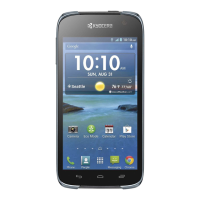
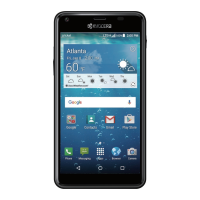
Your Home Screen




 To Next Page