3-163
Enhancement device setup procedure > Optional device installation
[CONFIDENTIAL]
77
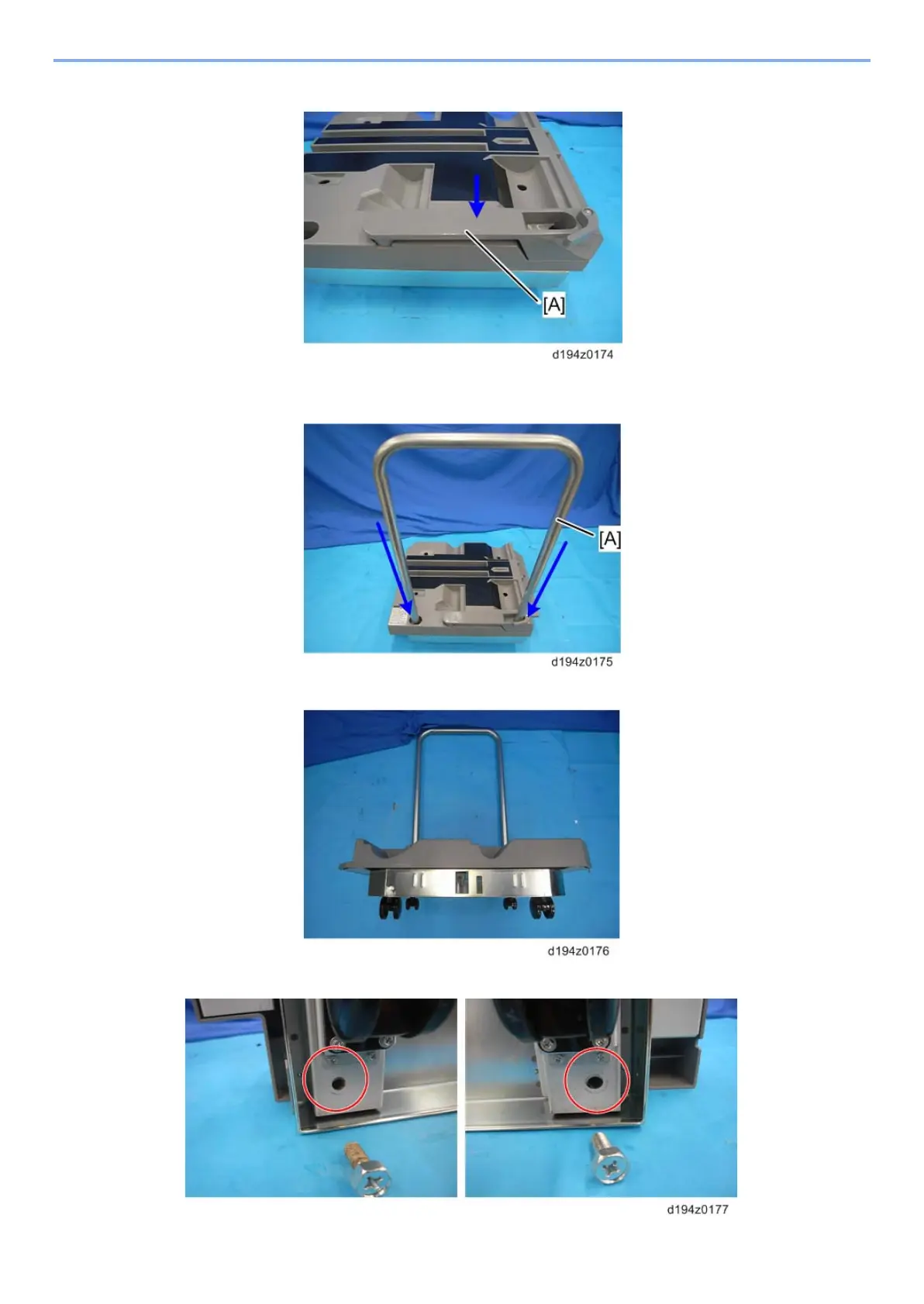
Set the paper press lever [A] into the recessed cut-out of the paper tray.
78
Insert the ends of the tray cart handle [A] into the handle holes. One end of the handle
passes through the paper press lever on the paper tray.
79
Lay the assembly down with the handles on the floor.
80
Fasten the end of each handle (screw x 1 each: M10x25).



 To Next Page