STE User’s Manual External Utilities
Rel. 2.6
10-3
Op_Message = “Successfully transferred R_Count Records”;
Else
Request STE_Response;
If ((STE_Response != ACK) or (Response_Timeout))
Done = True;
Op_Message = “Failed after R_Count Records);
Else // Got STE ACK //
R_Count = R_Count+1;
Endif
Endif
Endif
Endwhile
Close File-X;
Write Op_Message to PC Operator;
10-1.4 Procedures to Load Electronic ACL Files
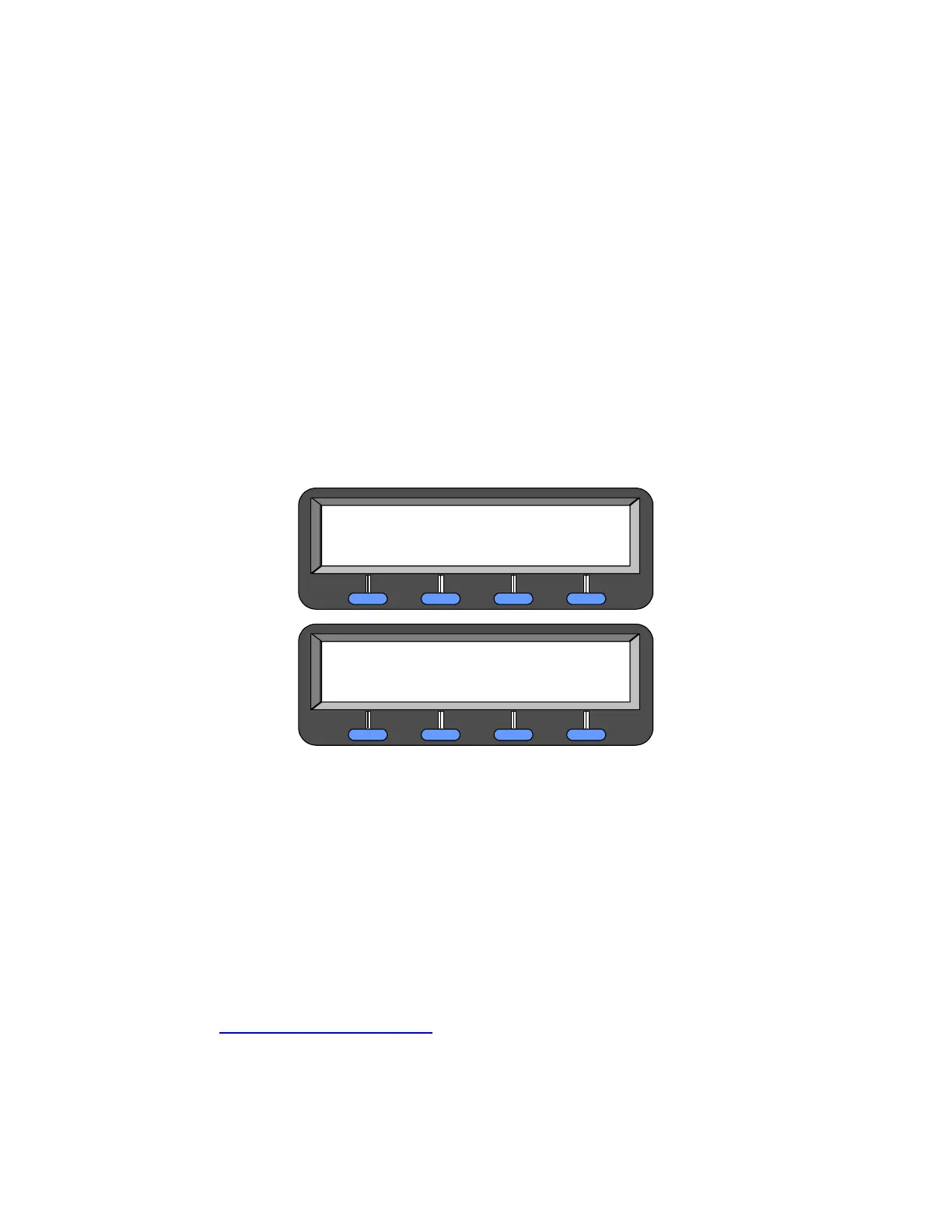
If you selected FROM_PC from the "Edit Access Control List" menu, you will see the following display:
Start the ACL update software and the STE’s display will change to:
Figure 10-1. ACL Installation Menu
Where <PC ACL COMMAND> is:
• REMOVE ALL ACL ENTRIES
• ADD DAO ENTRIES, or
• ADD KMID ENTRIES
If you CONFIRM the <PC ACL COMMAND>, the STE will execute the command and advise you of the
success or failure of the execution.
10-2. STE TOOLSET PROGRAM
NOTE
Ensure you are using STE Tool Set Version 4.7 or later, for proper operation of
your STE. Updates to the STE Tool Set are available from the
http://wired.securephone.net
website (See Paragraph 2-3.4.1 or 2-5.1.1)
10-2.1 STE Toolset Program General Information
The “STE Toolset Program” is installed on a personal computer. The STE Toolset includes the following:
ACL INSTALLATION
ABORT
CONFIRM
<PC ACL COMMAND>
ACL INSTALLATION
ABORT
CONFIRM
<PC ACL COMMAND>



 To Next Page