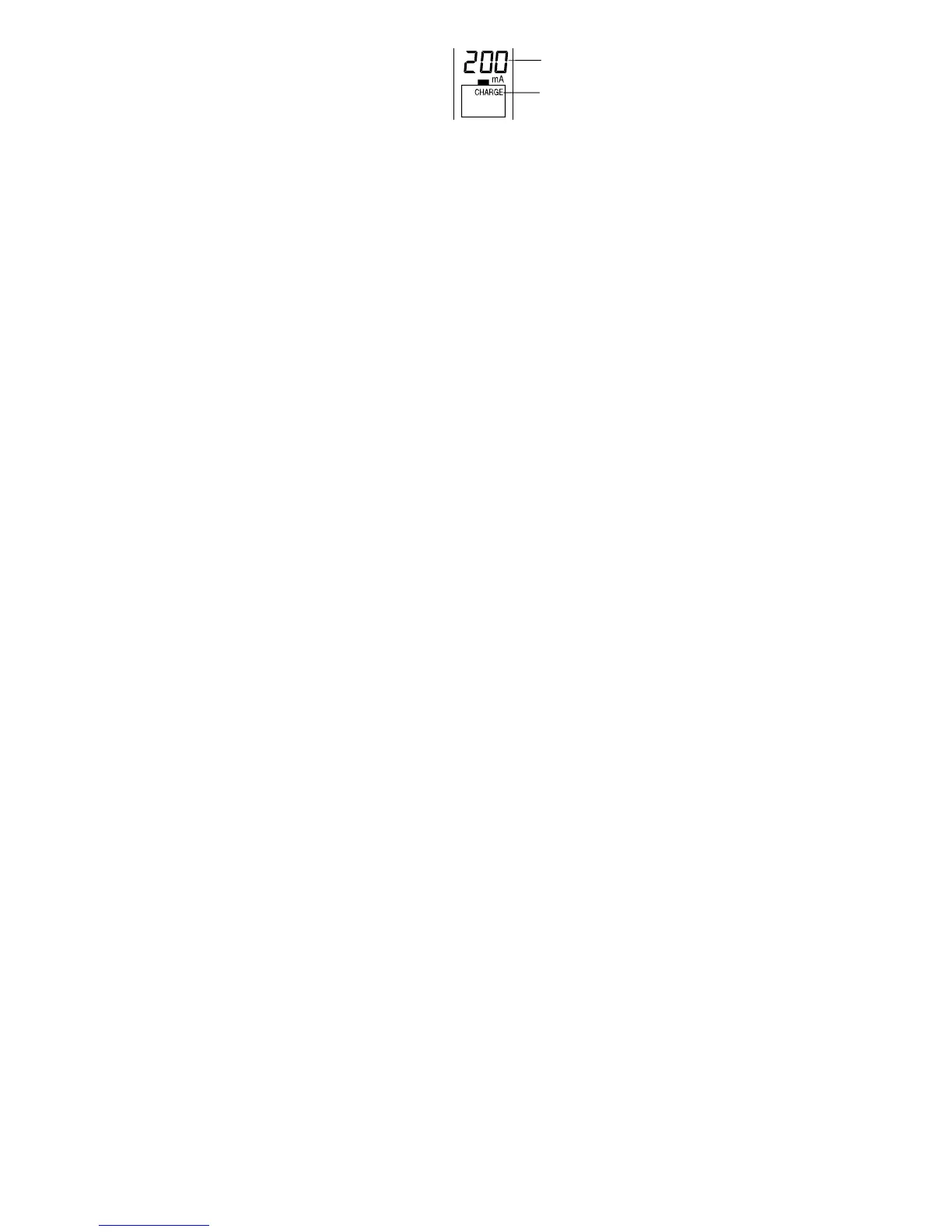
Charging current: 200 mA
Charge Mode
After 8 seconds from no more keys
pressing, the LCD will blink once to
indicate the setting is confirmed and
the selected mode activated
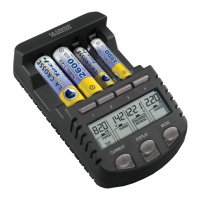
During charging, the different displays- Charging current (in mA), Time elapsed (in hh:mm),
Terminal voltage (in V) and Accumulated capacities (in mAh or Ah) may be toggled and
selected by pressing the DISPLAY key (refer Table 4).
After the rechargeable battery is fully charged, “Full” sign will be shown on the display and
the user may take out them at this time. Or if the rechargeable batteries are kept placing at
the compartments, trickle charging will start. The trickle charging current is around 5% of the
selected charging current to keep the rechargeable batteries being full.
43


 To Next Page