Model: 616A-1908 www.lacrossetechnology.com/support Page | 4
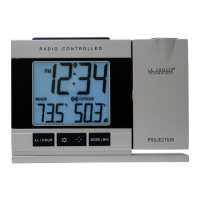
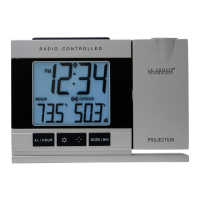
PROJECTION (rotate, projection arm)
Battery Power: Press and release the SNOOZE/LIGHT
button to show the projection for 10 seconds.
Micro-USB Cable: Projection is displayed constantly.
Note: Projection will not display constantly when operating on battery
power.
Rotate Projection:
• Press the ▲UP button to rotate the projection image 90 degrees.
• Press the ▲UP button again to rotate another 90 degrees.
• Continue until the projected image is right side up.
Projection Arm: The projection arm will move forward or backward
so you can project on the wall or ceiling.
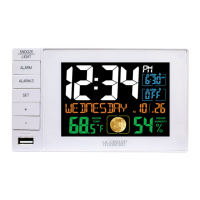
USB CHARGE PORT
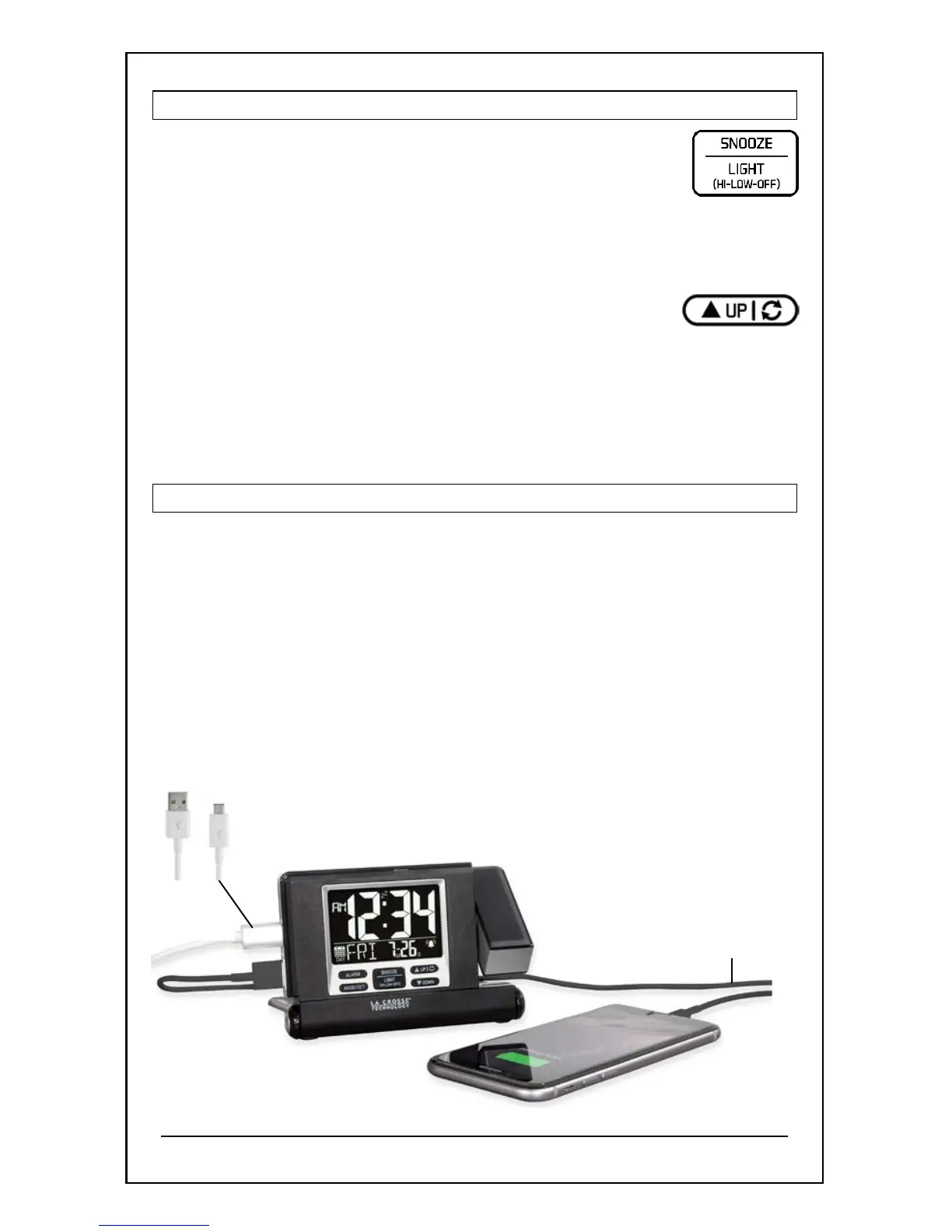
Charge your mobile device when the clock is plugged into a USB
outlet with the included cable. You cannot charge mobile devices
when operating the clock on battery power only.
Option 1:
• Use the included cable to connect the clock to a USB power
outlet on your computer.
• Connect your mobile device’s charging cable (not included) to the
USB charging port.
• Charging times will vary.


 To Next Page