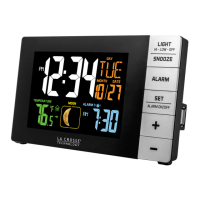
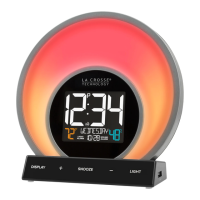
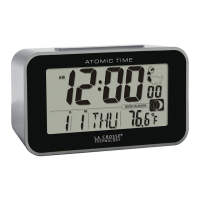
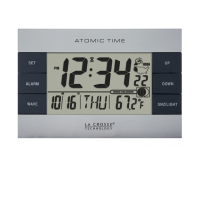
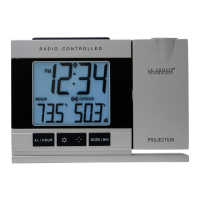
La Crosse Technology, Ltd Page 7
Snooze Sound Alarm
• TAP the SNOOZE button to snooze the Sound Alarm for the selected 5-120 minutes.
• SNOOZE and minutes countdown will show in place of weekday
USB Charge Port
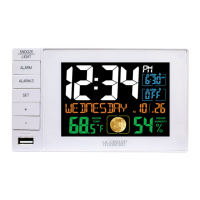
There is a 1 Amp USB charging port on the side of the clock. The included power adapter
must be in use to charge a device with your cable.
• Connect your external device’s USB charging cable (not included) to the USB charging
port.
• Charging times will vary.
• USB Power Output: 1A maximum current.
• Charge 1A devices or devices that are self-regulating.
USB Output: 1 Amp output
Will not Charge my Phone
• Be sure your phone charge cord is attached correctly.
Alarm Clock is dim
• Tap the SNOOZE/LIGHT button to determine if the LCD backlight is on HIGH or LOW.
• Clock must operate on Power cord for backlight to stay on.
Alarm Clock is blank: No numbers or dashed lines
• Check that the Power cord. Is it correctly installed and connects to an active outlet.
• Press any button 20 times. Leave the alarm clock unpowered for 1-2 hours.


 To Previous Page