Table of Contents
Page | 1 www.lacrossetechnology.com/support C85135
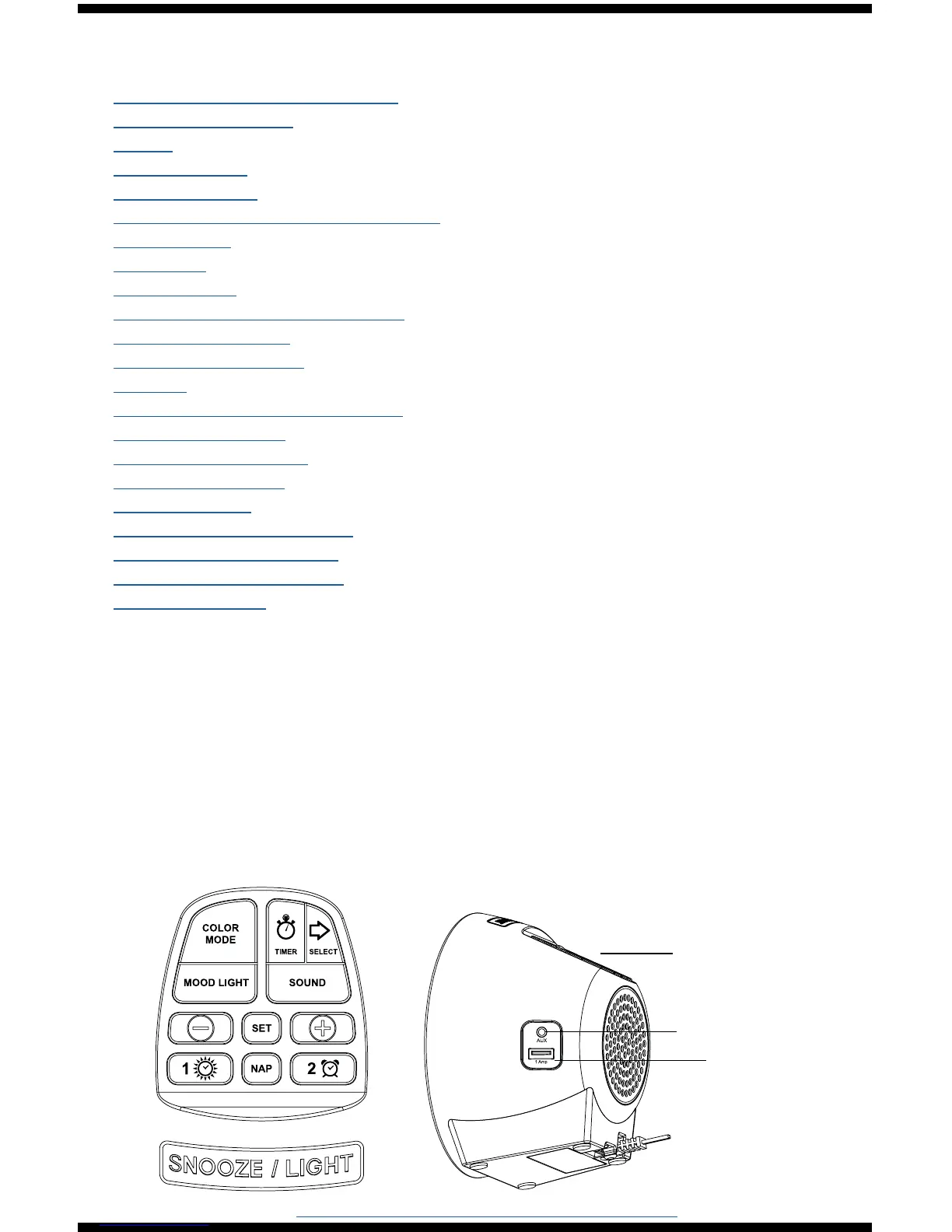
Buttons and Ports
Button Function Explanation ....................................................
Buttons and Ports ...................................................................
Setup ...................................................................................
LCD Features ........................................................................
Settings Menu .......................................................................
Nature Sounds with Sleep Timer ..............................................
Mood Light ...........................................................................
Backlight ..............................................................................
Nap Feature ..........................................................................
Time Alarms: Light or Sound ...................................................
Set Light Alarm 1 ..................................................................
Set Sound Alarm 2 .................................................................
Snooze .................................................................................
Deactivate or Activate Alarm ...................................................
Low Battery Icon ...................................................................
USB Charging Port .................................................................
Audio Port (AUX) ...................................................................
Specications ........................................................................
Visit Us on Social Media ..........................................................
Care and Maintenance ............................................................
Warranty and Support ............................................................
FCC Statement .....................................................................
1
1
2
2
3
4
5
5
6
7
7
8
8
9
9
9
10
10
10
11
11
11
Button Function Explanation
For better programming instructions, please note these terms for
button use:
• Press: Press and release the designated button.
• Hold: Hold the button for 3 seconds then release the button.
• Touch: Touch the SNOOZE/LIGHT area on top of the clock.
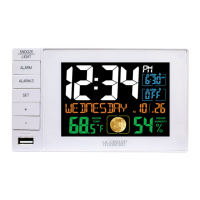
Audio (aux)
USB
Charging
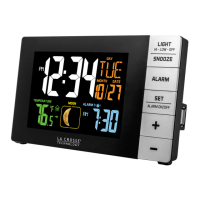
Buttons
on Top



 To Next Page