Model: S83301 www.lacrosseclock.com/support Page | 4
ACTIVE TORNADO ONLY ALERTS
The radio will alert you to Tornado watches and warnings only.* Other types of alerts
will be ignored.
• Backlight flashes red for watches and warnings.
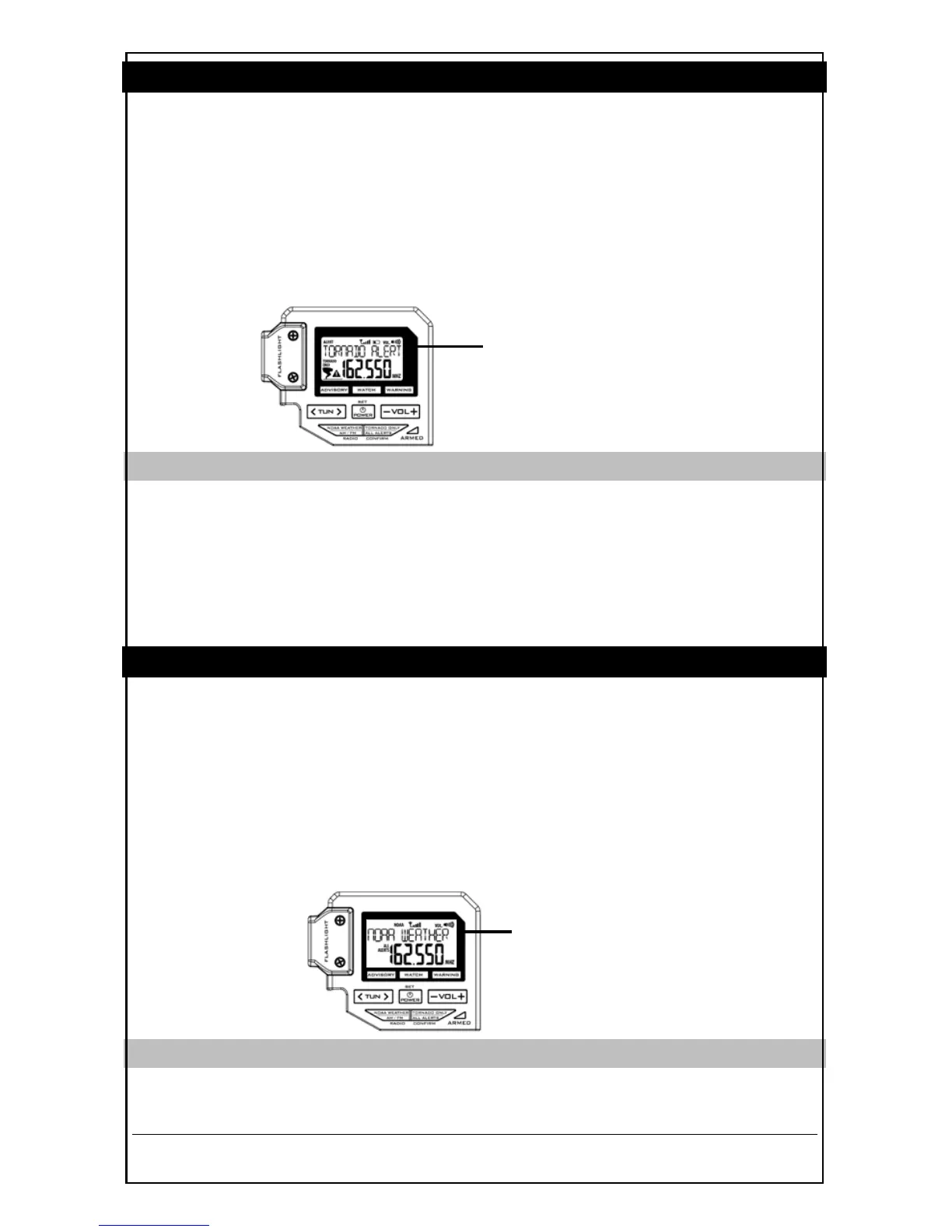
• The alert message will scroll across the top of the LCD.
• The volume level will increase to level 16 (the maximum sound) automatically.
• Press button 4 (–VOL+) to adjust the volume as needed.
• The radio will stop broadcasting when the final tone of the message is received.
• If a tone or audio alert is automatically activated it must remain active for at least 8
seconds.
STANDBY MODE
• Hold button 6 (TORNADO ONLY / ALL ALERTS) for 5 seconds to enter or exit
standby mode.
• The blue ARMED light will flash every 5 seconds.
• When an alert happens, the radio will unmute and play the alert message.
• The message will scroll across the top of the LCD.
• Once the message is complete the radio will return to standby mode.
ACTIVE ALL ALERTS
Receive every advisory, watch and warning. Be fully prepared for any weather
situation.
• Backlight flashes red for watches and warnings.
• The alert message will scroll across the top of the LCD.
• The volume level will increase to level 16 (the maximum sound) automatically.
• Press button 4 (–VOL+) to adjust the volume as needed.
• The radio will stop broadcasting when the final tone of the message is received.
• If a tone or audio alert is automatically activated it must remain active for at least 8
seconds.
STANDBY MODE
• Hold button 6 (TORNADO ONLY / ALL ALERTS) for 5 seconds to enter or exit
standby mode.


 To Next Page