Model: S83301 www.lacrosseclock.com/support Page | 7
• Press button 2 (<TUN>) to increase or decrease the radio frequency.
• Hold button 2 (<TUN>) to search for the next available station.
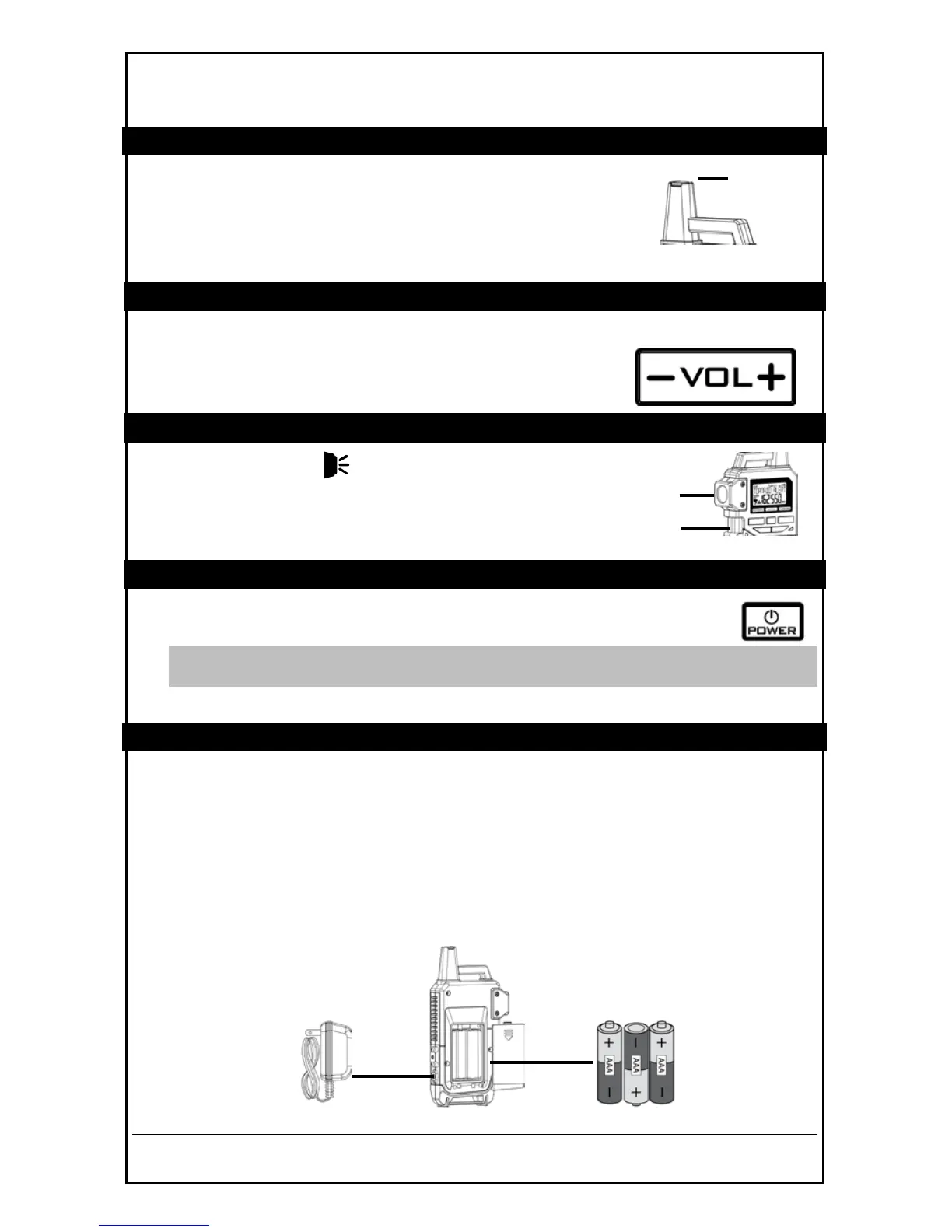
6” PROTECTED TELESCOPIC ANTENNA
• For best reception extend the 6” telescopic antenna and
place radio in open area.
• When radio is not in use retract the antenna to the
protective cover.
VOLUME
• In any radio mode, press and release button 4 (–VOL+) to adjust the volume to a
desired level. Levels 1-16 are available.
• Hold button 4 (–VOL+) to change faster.
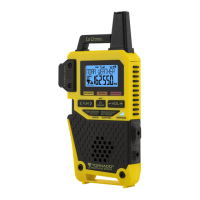
LIGHT BUTTON (Flashlight)
Press button 1 (LIGHT ) on the side of the radio to operate the
very bright 0.5 watt LED flashlight.
POWER BUTTON
• Press and release button 3 (POWER) to turn ON or turn OFF the
radio
Note: The radio saves the last channel you are listening to, mode and volume
used, when turned off.
• When the radio is on, hold button 3 (POWER) to enter setting menu.
POWER UP THE NOAA WEATHER RADIO
AC Power:
1. Insert the included 6V AC power cord into the wall and into the radio.
2. The radio turns on automatically and searches for the first available weather
band channel for 30 seconds.
3. Press button 6 (TORNADO ONLY / ALL ALERTS) to confirm the channel.
Batteries:
1. Insert 3 new “AAA” batteries (not included) into the radio. Observe the correct
polarity.


 To Next Page