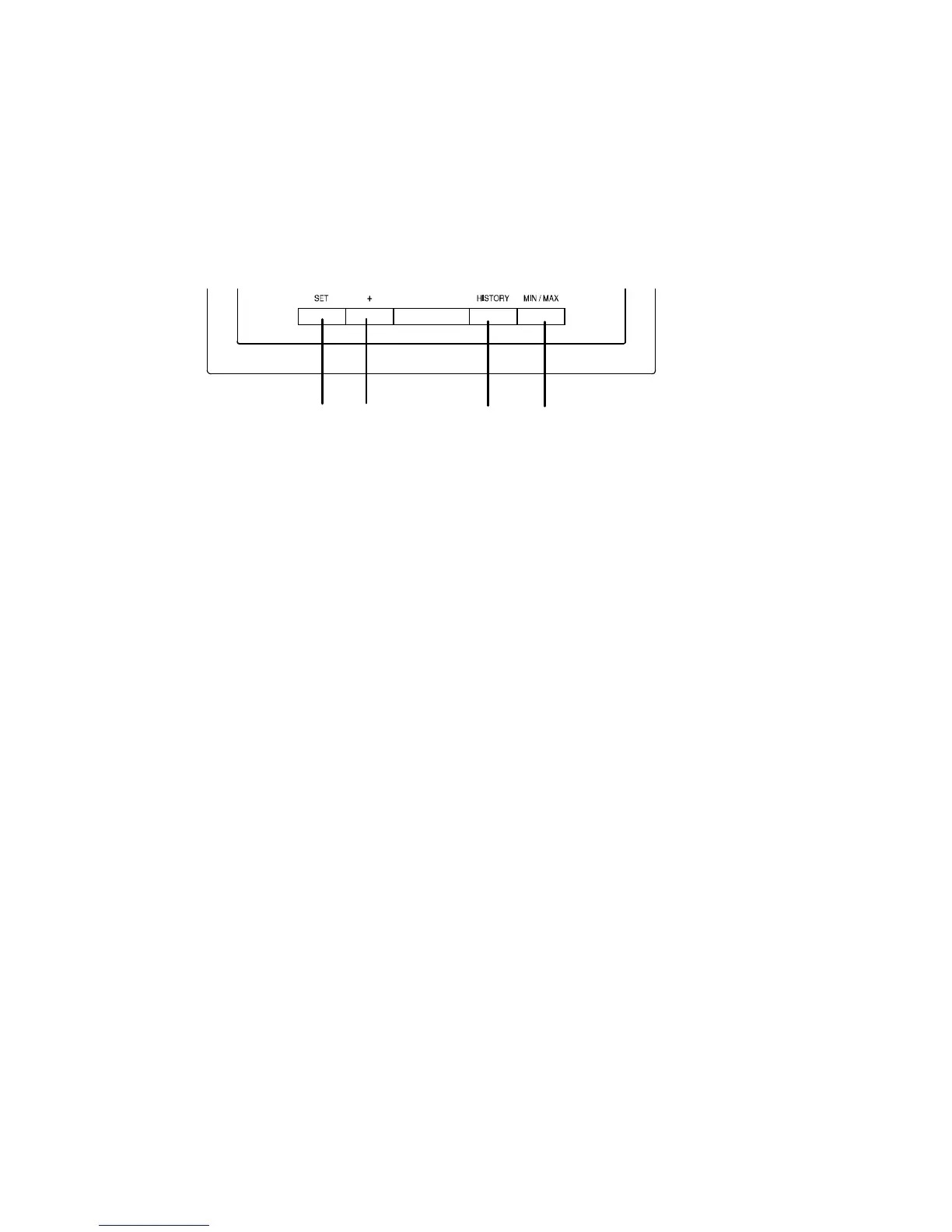
FUNCTION KEYS:
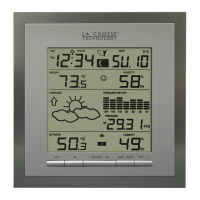
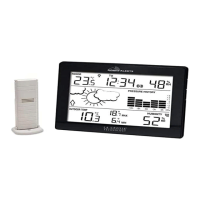
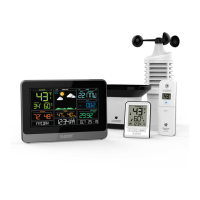
Weather Station:
The Weather Station has 4 easy-to-use function keys.
SET key
• Press and hold to enter manual setting modes: LCD contrast, Manual time setting,
12/24 hour time display, Calendar setting, ºC/ ºF temperature unit, Wind speed unit,
Rainfall unit, Pressure unit, Relative pressure reference setting, Weather tendency
threshold, Storm threshold setting
• Press to toggle between Mode 1 and Mode 2:
- Mode1: "Wind speed + outdoor temp + rel. pressure"
- Mode 2: "Gust + Dew Point temp + rainfall data (only if there is a rain sensor-
optional)"
(Mode 2 is shown for 30 seconds. Then it returns to the normal display)
• Press to activate the reset mode when MAX or MIN record is shown
+ key
• In display Mode 1, press to toggle between the display of date, weekday + date,
Indoor temp, or second
• In display Mode 2, press to toggle between the display of Relative Pressure, 24 hour
rainfall and Total rainfall (only if there is a rain sensor- optional).
• Press to adjust (increase) the level of different settings
• Press to confirm to reset the MIN/MAX record
HISTORY key
• Press to display the weather data history records
• Press to exit manual setting mode
MIN/MAX key
• Press to display MIN/MAX records of various weather data
• Press to adjust (decrease) the level of different settings



 To Next Page