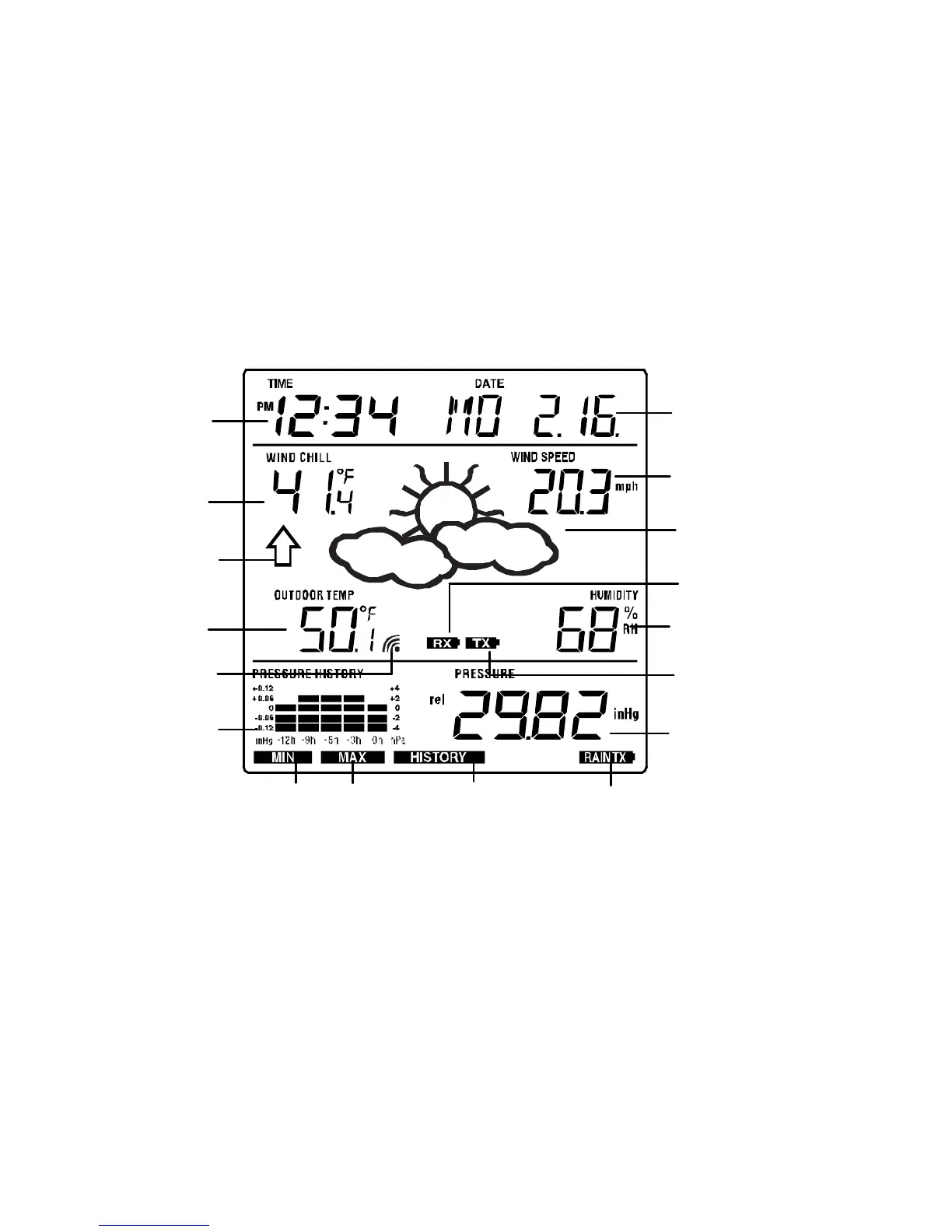
LCD SCREEN
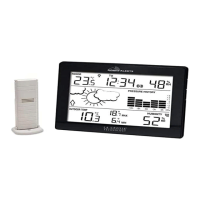
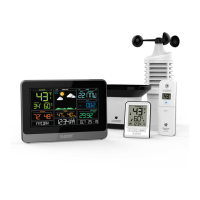
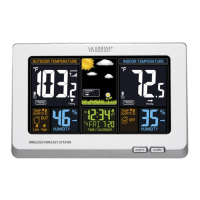
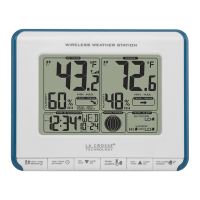
The LCD screen is split into 3 sections displaying the following information:
1. Time and date/ indoor temp/ second
2. Wind data, outdoor temperature and humidity, dew point, weather forecast icon and
tendency indicator
3. Air pressure history, relative air pressure, rainfall data (optional)
* When the signal from the transmitter/ or rain sensor (optional) is successfully received by
the Weather Station, this icon will be switched on. (If not successful, the icon will not be
shown on the LCD). User can therefore easily see whether the last reception was
successful (“ON” icon) or not (“OFF” icon). On the other hand, the short blinking of the icon
shows that a reception is being done at that time.
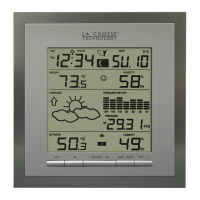
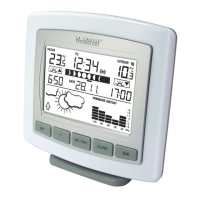
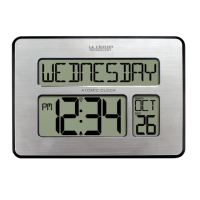
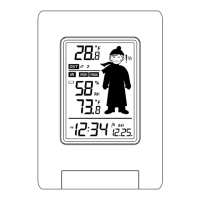
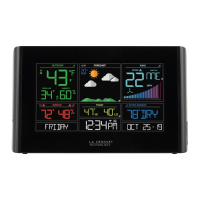
** In normal display mode, user may press the SET key to toggle between Mode1 and
Mode 2 display:



 To Next Page