Setup Preparation
Here are some items needed to setup you r station (not included):
1. Phillips head screwdriver for assembly.
2. Fresh Batteries: 5 (five) AA alkaline or lithi um batteries for
the sensors.
3 (three) AAA alkaline bat teries for
the station (optional).
For best results:
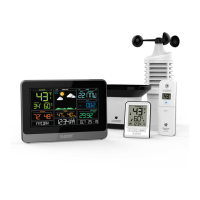
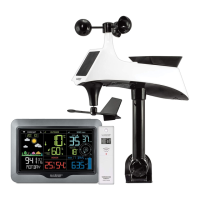
• Remove weather station and sensors from the package and
place together on a table or bench, with in easy reach.
• Place batteries and screwdriver within reach of setup location.
• Keep sensors and weathe r station 2-3 meter apart for the first
15 minutes after installi ng batteries.
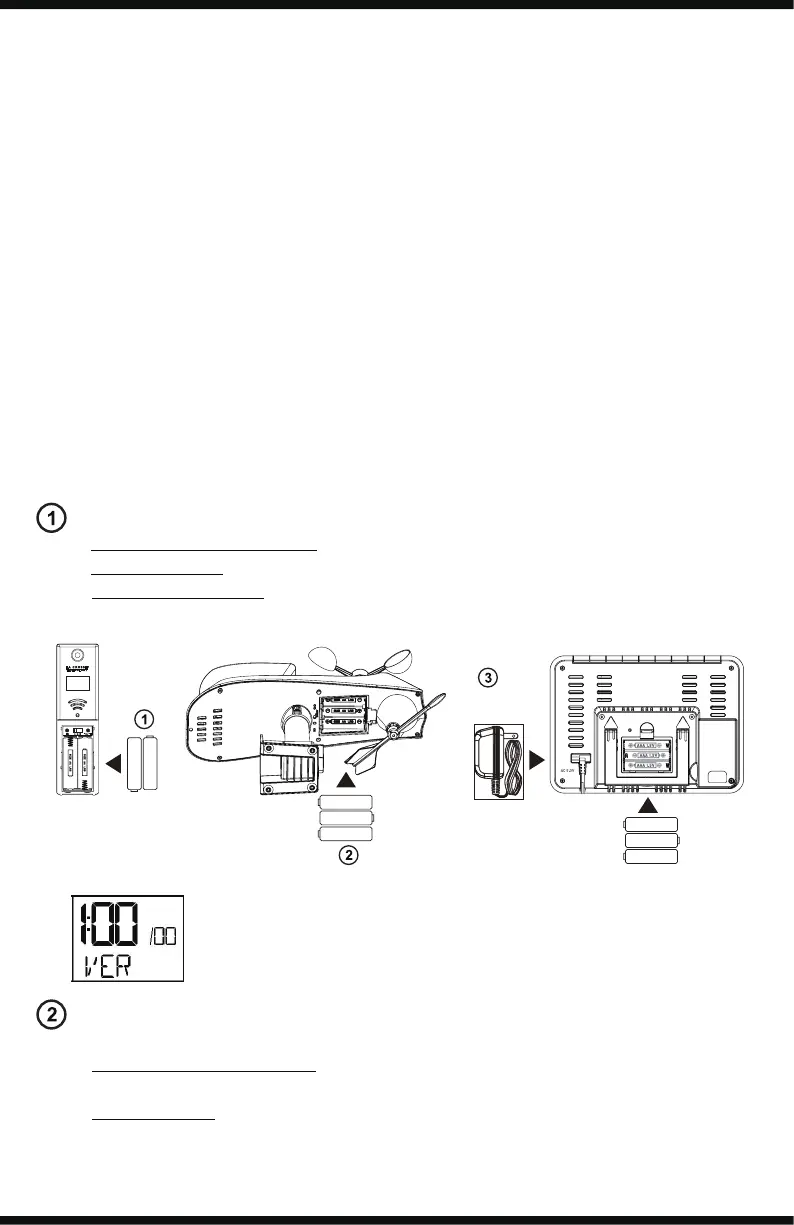
Setup
Power up. Observe correc t polarity.
• Thermo-hygro sensor- 2-AA batteries
• Multi-sensor- 3-AA batteries
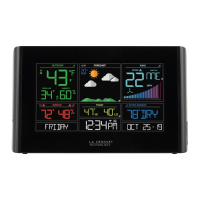
• Weather Station- 5.0 Volt AC adapter
and 3-AAA batteries (optional)
Software version will show for
2 seconds. Lower left corner.
Optional
Place sensors outdoors at least 2 meter above objects below
them (ground, roof, etc.)
• Thermo-hygro sensor-Place in a shaded location to protect
from sun.
• Multi-sensor- Place in an open area. No obstruction s for 15
meter in all directions.
Enjoy your backyard weather!
WS6867
Page | 2
Note: Batteries are not included
TX
°C/°F
1 2 3
Power
Cable
AAA
AAA
AAA
+
+
-
-
+
-
AA
AA
+
-
AA
+
-
+
-
AA
AA
+
-
+
-



 To Next Page