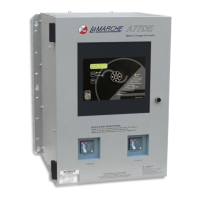
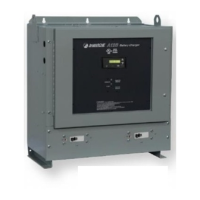
SCADA INTERFACE INSTRUCTIONS - OPTION 21Q - FOR A36D/TPSD SYSTEMS/341S
Page 5 of 10
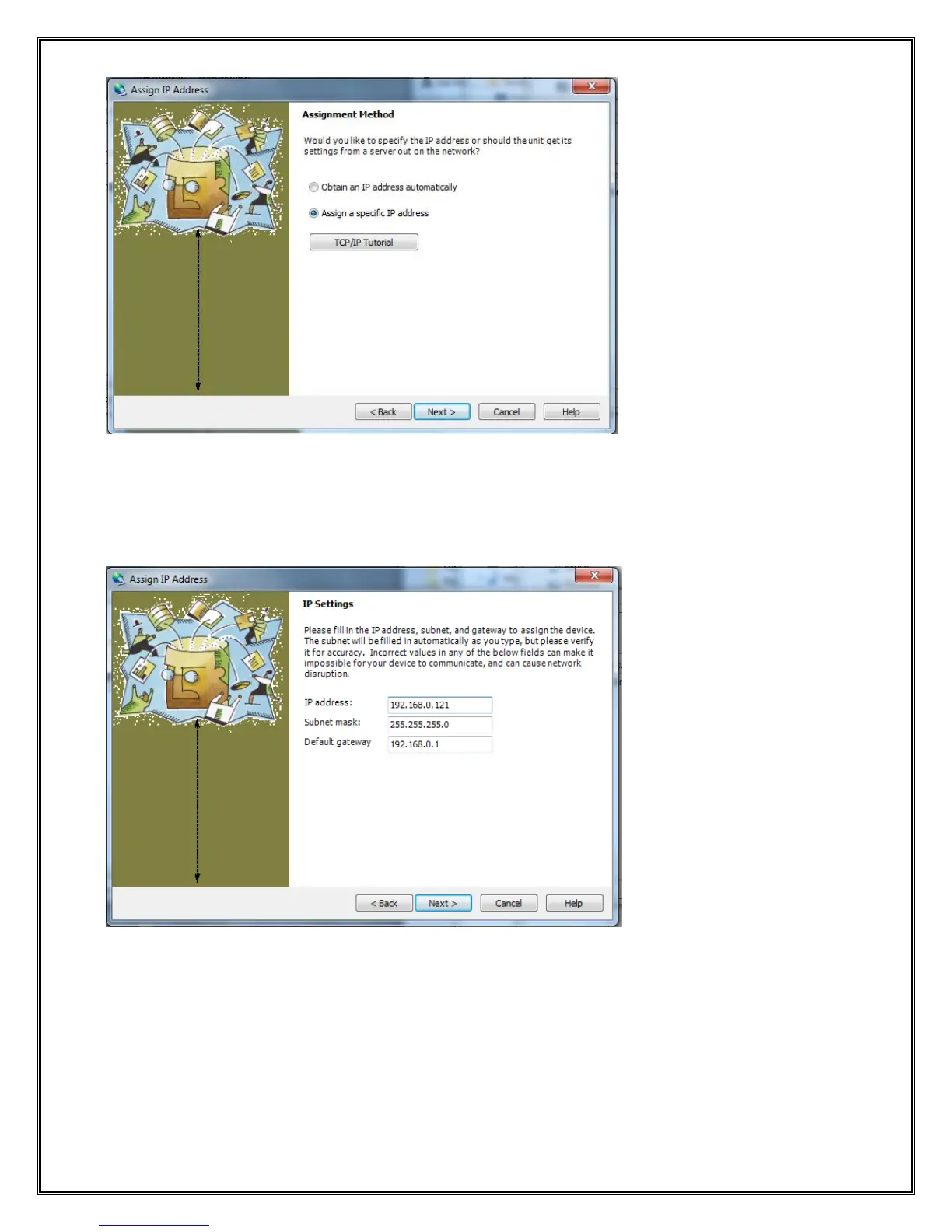
This dialog presents a choice between assigning an IP dynamically which would allow the device to
operate on a network with a DHCP server however it is recommended that a specific IP address be
assigned so it can be referenced directly on a SCADA Network.
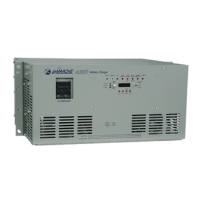
Selecting “Assign a specific IP address” will bring up the following dialog:
Enter your desired IP settings and press Next.



 To Next Page