17
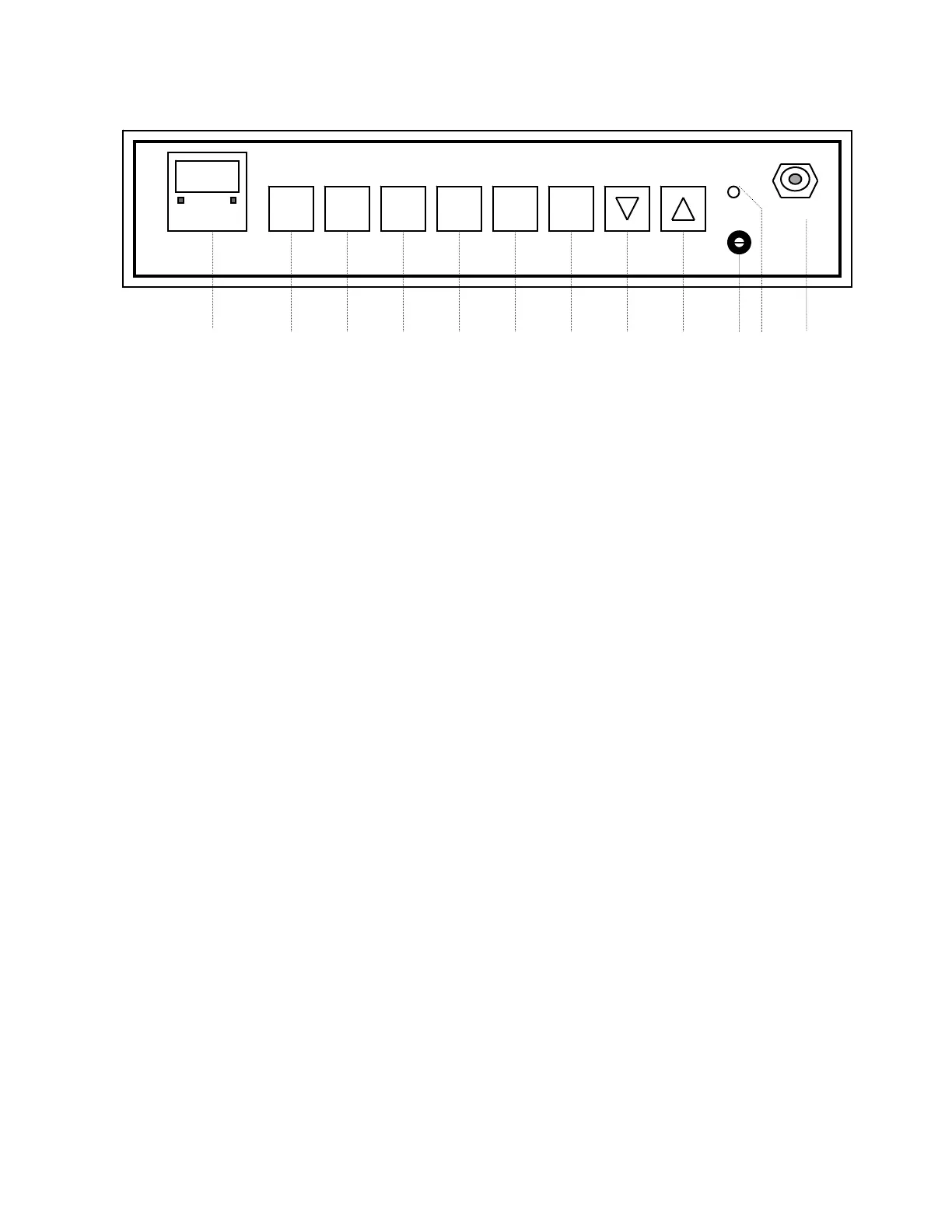
SET CAL CO2 TEMP DOOR SCAN
ºC %CO2 HEAT HOLD HI LIMIT SAMPLE
1 2 3 4 5 6 7 8 9 10 11 12
4. CO2 COMMAND KEY: Pressing the SET key and then the CO2 key
allows the user with the Up and Down keys to enter the desired carbon
dioxide level in the Incubator.
• High and low limit alarm set points are factory set at ±1% above and
below the user-established set point. In the event CO2 exceeds the
indicated limits, an audible alarm will sound and indicating light above
the key will flash.
• Pressing any key will silence the alarm for a period of one hour. The
user should immediately investigate the reason for the alarm and
take steps to correct the problem. Note that the indicating light
continues to flash. If a problem is not solved the alarm resumes.
• By pressing the CAL (#3) and CO2 (#4) keys sequentially users can
calibrate CO2. The Up and Down arrow keys will change the readout
to correspond with the readings obtained from known standards of
CO2 measurement.


 To Next Page
 Loading...