EasyManua.ls Logo

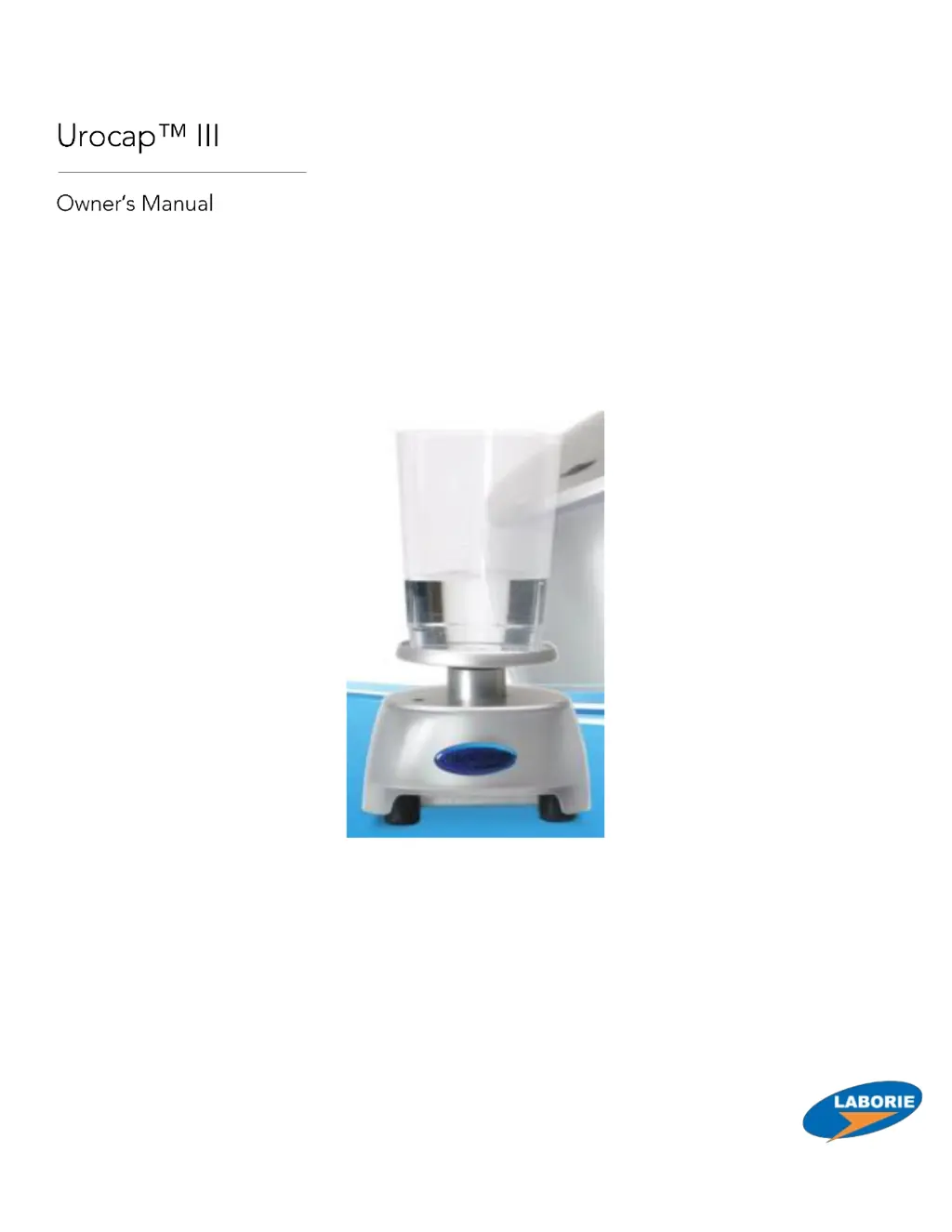
LABORIE Urocap III - User Manual

LABORIE Urocap III
73 pages
Print Icon
To Next Page IconTo Next Page
Loading...
LABORIE Urocap III Owner’s Manual UC3-UM01-V22.00

Table of Contents

Questions and Answers

  • T
    Taylor WilliamsAug 6, 2025
    Why does my LABORIE Urocap III Uroflow signal show vibration and/or spike patterns?
    • L
      Lori GarciaAug 6, 2025
      If the Uroflow signal on your LABORIE Medical Equipment shows vibration and/or spike patterns, it could be due to several reasons: * The plastic beaker might be touching the flow funnel. In this case, reposition the transducer and re-check. * The patient may have touched the transducer with their feet. To resolve this, ask the patient to remain calm during the procedure. * The floor might be unsteady. If so, move the equipment to a more solid foundation. * There may be an internal malfunction. If this is the case, contact LABORIE’s Service team.
  • D
    Dr. Jacob WalkerAug 13, 2025
    How to fix incorrect flow or volume readings on LABORIE Medical Equipment?
    • M
      Micheal SpenceAug 13, 2025
      If you're getting incorrect flow or volume readings from your LABORIE Medical Equipment, here are a few things to check: 1. Ensure the beaker is properly seated on the transducer dish. Adjust the beaker position if needed. 2. Make sure the funnel isn't touching the beaker. Adjust the commode chair or Urocap III transducer to correct this. 3. Verify you're using the correct beaker. Use beakers supplied by Laborie ONLY. 4. Allow 2 minutes for the transducer to warm up.
  • U
    ugrayAug 21, 2025
    What to do if the Uroflow signal does not respond on LABORIE Urocap III Medical Equipment?
    • R
      Raymond LambAug 21, 2025
      If the Uroflow signal on your LABORIE Medical Equipment isn't responding (indicated by the green/red bi-colour LED), it might be due to the Uroflow transducer being improperly connected. Reconnect all cables to the Urocap III. If the transducer inside the housing is disconnected, contact LABORIE’s Service team.
  • M
    Michele GarrettAug 29, 2025
    How to troubleshoot no LED on LABORIE Urocap III?
    • A
      Alejandro BrownAug 29, 2025
      If the LED on your LABORIE Medical Equipment is not lit, the power cord might be unplugged. Check the power cord to ensure it is properly connected.

Summary

Introduction to Urocap III

Product Overview and Features

Describes the Urocap III's function, features, and Bluetooth capability.

Urocap III Model and Specifications

Details the Urocap III Wireless, BT model and its software compatibility.

Safety Cautions and Warnings

Essential safety precautions, including electrical, environmental, and handling guidelines for device operation.

Intended Use and Contraindications

Specifies the device's purpose, target patient population, and conditions where its use is not recommended.

Equipment and Setup

Unpacking and Initial Inspection

Instructions for verifying received equipment and inspecting for any damage.

Setting Up the Urocap III System

Step-by-step guide for wireless model setup, room arrangement, and understanding indicator lights.

Software Operation and Menus

Software Installation and Access

Details UDS software requirements, installation, and accessing the client window and logon screen.

File Menu Operations

Explains how to open, save, print, and manage test files using the File menu.

Info Menu: Patient Data and Test Analysis

Covers entering patient information, viewing event summaries, and interpreting voiding summaries.

Options Menu: System Configuration

Details various settings and features accessible via the Options menu, including test control, display customization, and calibration.

Additional Software Functions

Overview of Software Features

Introduces features like title/numeric font changes and channel order/title adjustments.

Customizing Display and Channel Settings

How to change channel titles, units, order, fonts, and scales for optimal display.

Running a Uroflow Test

Performing a Uroflow Test Procedure

A comprehensive guide on performing a uroflow test, from setup to printing results.

Transducer Calibration

Calibration Procedures for Urocap III

Step-by-step instructions for calibrating the Urocap III transducer using the UDS120 software.

Cleaning and Maintenance

Device Cleaning Procedures

Guidelines for cleaning the device and performing regular preventive maintenance checks.

Troubleshooting

Common Issues and Corrective Actions

A chart detailing common symptoms, their possible causes, and corrective actions for resolving problems.

Appendices and Technical Information

System Specifications and Compliance

Provides detailed technical specifications, classifications, and applicable directives/standards for the Urocap III.

Symbols, EMC, and Software License

Explains device symbols, electromagnetic compatibility standards, and the end-user software license agreement.

Nomogram Tables and Accessory Descriptions

Contains reference nomogram data for uroflowmetry and descriptions of included accessories.

LABORIE Urocap III Specifications

General IconGeneral
BrandLABORIE
ModelUrocap III
CategoryMedical Equipment
LanguageEnglish

Related product manuals