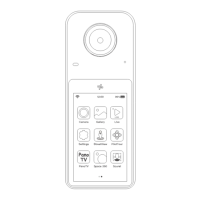
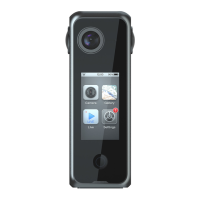
Before you Start
1.Please read this user manual carefully and keep it for future reference
2.Heed all warnings and follow all instructions
3.Please remove the protective film and wipe the lens surface.
4.Please connect the power adaptor in case of low and depleted battery.
5.Please do not rest the camera lenses on any surface, which would cause lens damage or imaging problems.
6.It is normal for the camera surface to heat up after long time working.
Quick Start
Camera
Gallery
Live Settings
12:00
96%
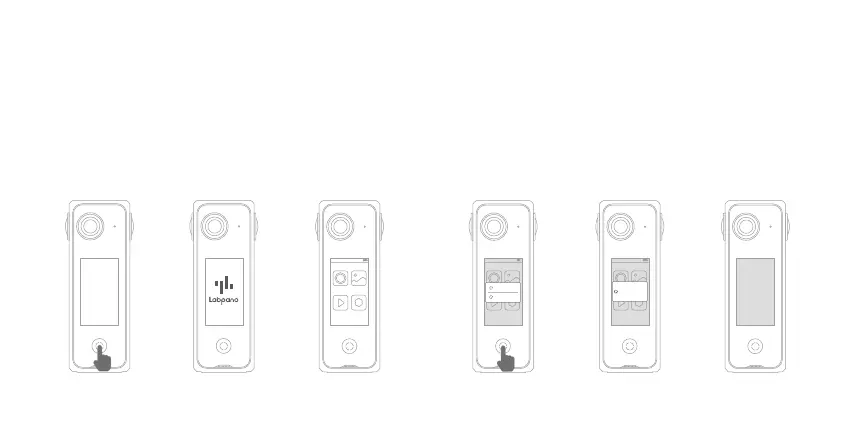
1.Power on the Camera
1.Press Home Button
3 seconds to turn on
the camera
3. Home page (Main
application window)
2.Startup interface
2.Power Off /Restart the Camera
1.Press Home
Button 3 seconds
3.Camera is off2.Select Power off
/Restart button
Camera
Gallery
Live Settings
12:00
96%
Power Off
Restart
Camera
Gallery
Live Settings
12:00
96%
Shutting Down


 To Next Page