Official App
Camera
Gallery
Live Settings
12:00
96%
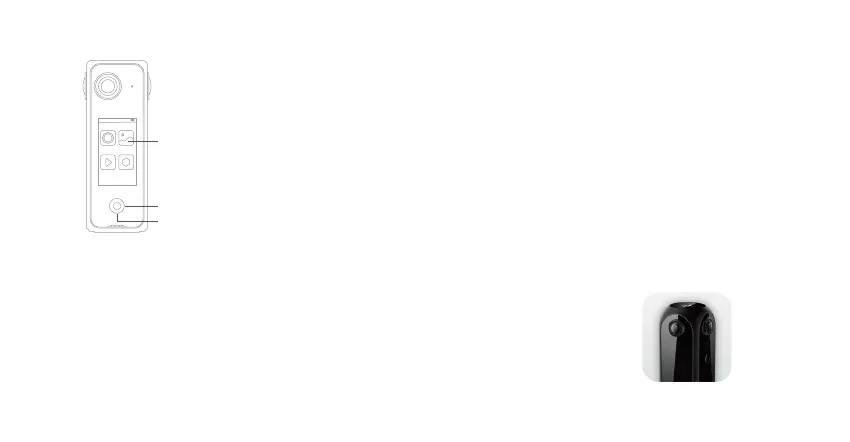
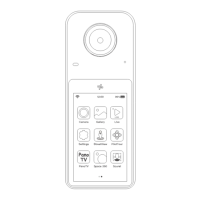
Tap each icon to open the application.
Press Home Button to back to Home page at any time.
Press Home Button 1 second to set screen timeout.
Mobile Control App: Pilot Go
Visit https://pilot.labpano.com/support/download?lang=en to download Labpano Pilot One’s official control app.
After installing Pilot Go, make sure the phone and Pilot One are in the same wireless network.
1: Connect Pilot One and your phone to the same WiFi network, or;
2: Connect your phone to the hotspot created by Pilot One.
Pilot Go supports remote control of photo taking, video recording, gallery management, etc.
Home page features (Main Application window)
Pilot Go


 To Next Page