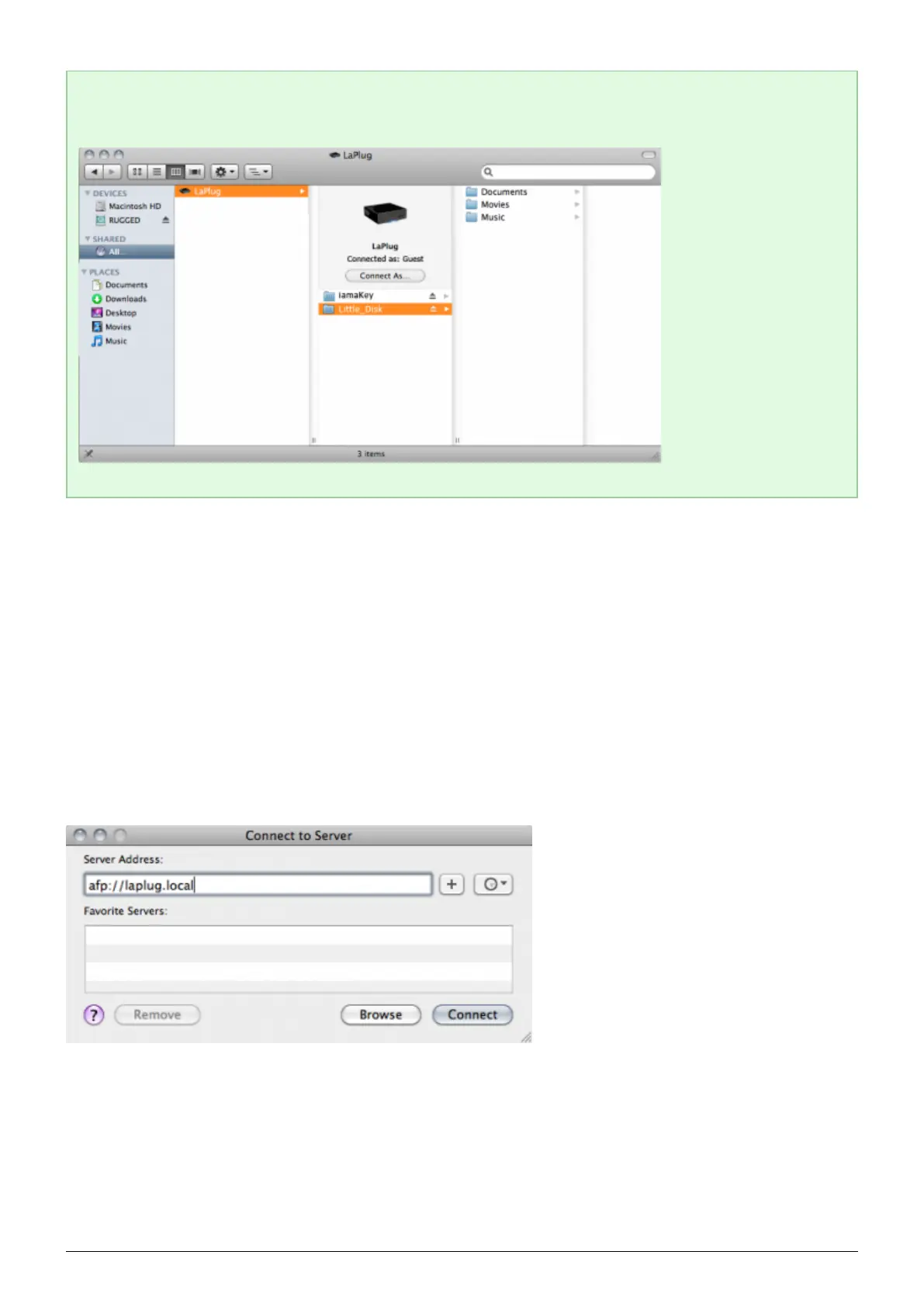
Technical note: Mac users: If the USB device does not open in a Finder window, simply navigate in the
Finder to Network > LaPlug > [disk name].
OPTION 2
Mac Users
In your Finder, navigate to Go > Connect to Server.1.
In the dialogue window that opens, type one of the following:2.
afp://laplug.local
smb://laplug.local
afp://[IP address]
smb://[IP address]
LaPlug User Manual LaCie 13


 To Next Page