Use a Browser
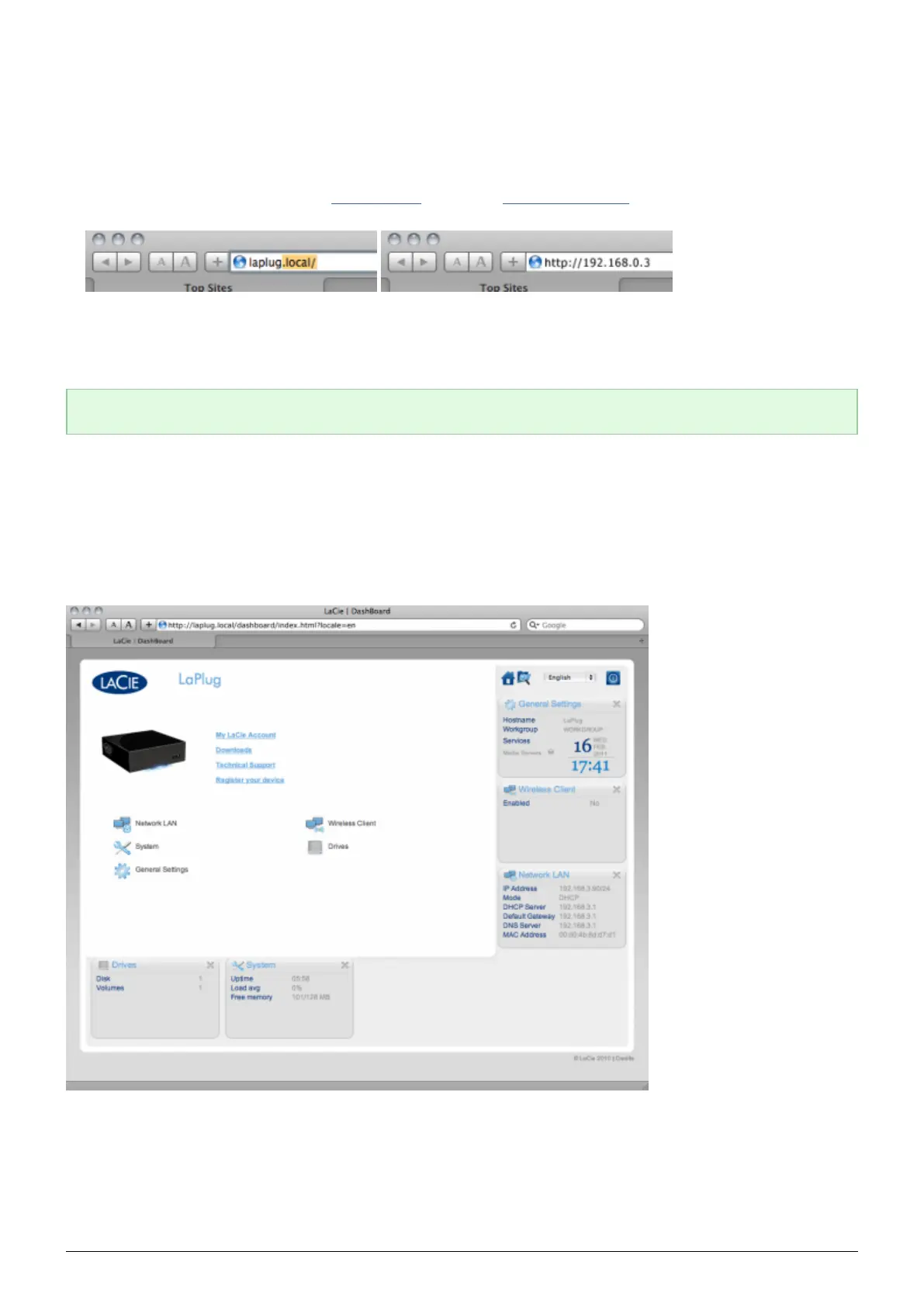
Open your Internet browser (Firefox, Internet Explorer, Safari, etc.) and type your LaCie LaPlug's IP address or1.
machine name (by default, LaPlug) in the browser's URL (web address) field.
For example: http://[IP-address] or http://LaPlug (Windows) http://LaPlug.local (Mac)
In the login prompt, enter your username and password (case sensitive; default is admin/admin).2.
Click Log in.3.
Technical note: Find your device's IP address in the LaCie Network Assistant Configuration Window.
DASHBOARD - HOME
The welcome page contains links to helpful documents from the LaCie website and a list of the different pages
that make up the Dashboard.
LaPlug User Manual LaCie 17


 To Next Page