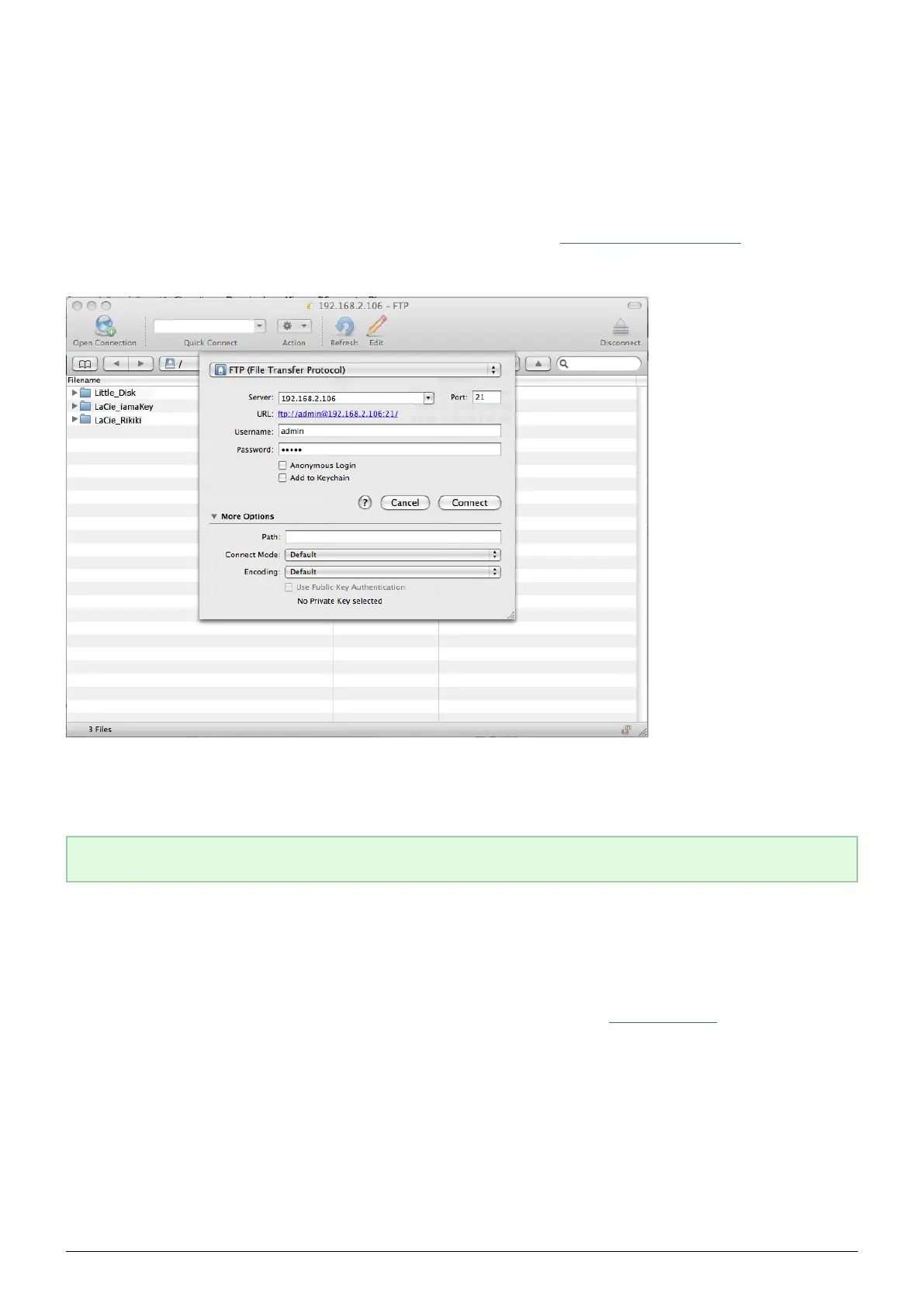
ACCESSING USB DEVICES VIA FTP
The FTP protocol is used to transfer files from one computer to another through a local network or over the
internet. This protocol allows you to exchange files with your friends or relatives securely, as only people with a
user account will have access.
The FTP service is disabled by default, so you must enable it in on the Dashboard - Network LAN page.
To connect to the LaPlug via FTP locally on the LAN, enter in your browser's or FTP client's address field:
ftp://[IP-address]
Example: ftp://192.168.10.149
Technical note: Find your device's IP address in the LaCie Network Assistant Configuration Window.
OR
ftp://@/
Example: ftp://ringo:4xtp23@LaPlug/
To login, enter your Dashboard username and password. (By default, admin/admin.)
To remotely access the drive from a computer NOT on your network, refer to Remote Access.
LaPlug User Manual LaCie 37


 To Next Page