SmartShop CBX Fiber Laser
35
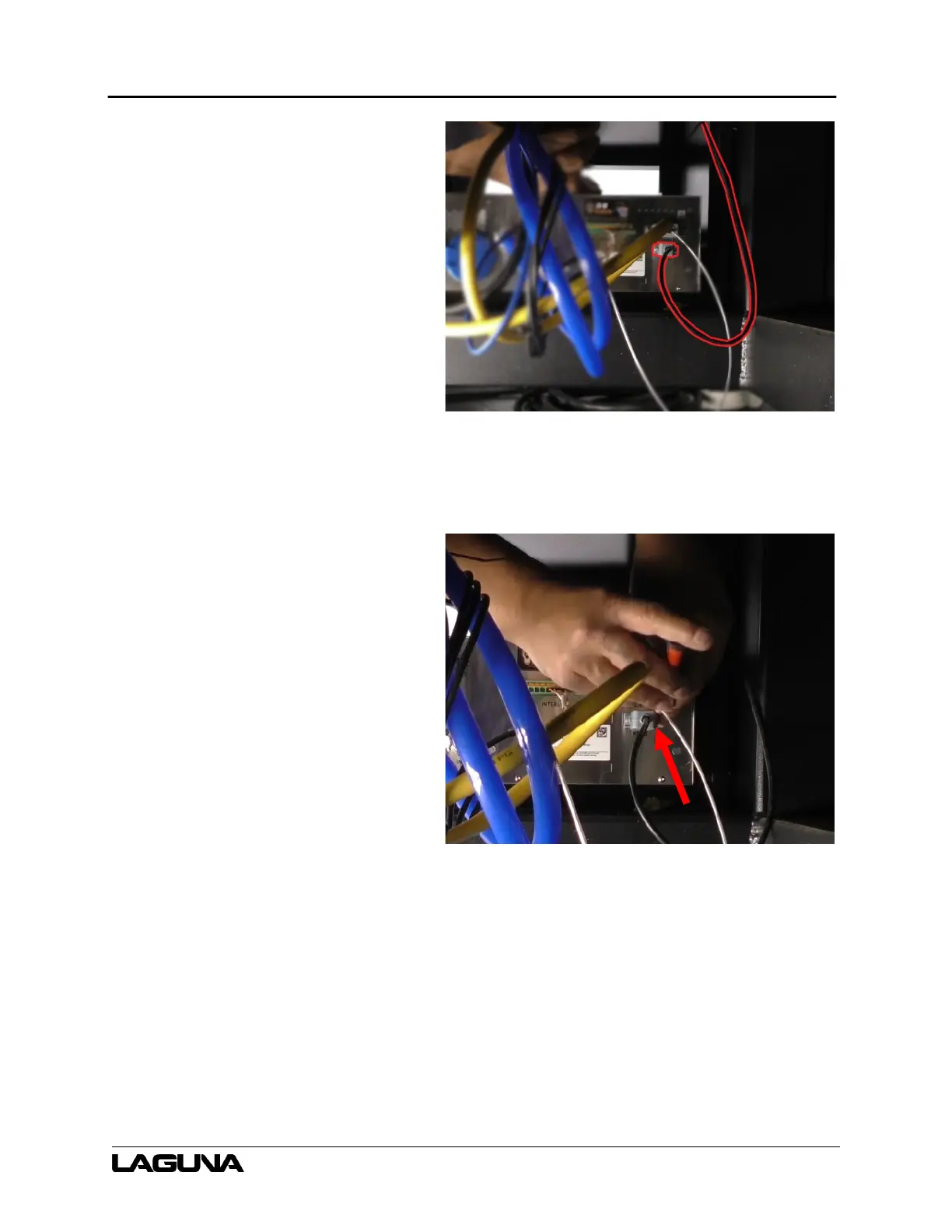
27. Once the power supply is in place,
connect the serial cable to the power
supply. (You may have to get inside
the machine and reach through the
cavity.)
a. Verify the cable is fully
inserted.
b. Use a flathead screwdriver to
tighten the screws on either
side of the cable.
Figure 6–35
Figure 6–36



 To Next Page