SmartShop CBX Fiber Laser
91
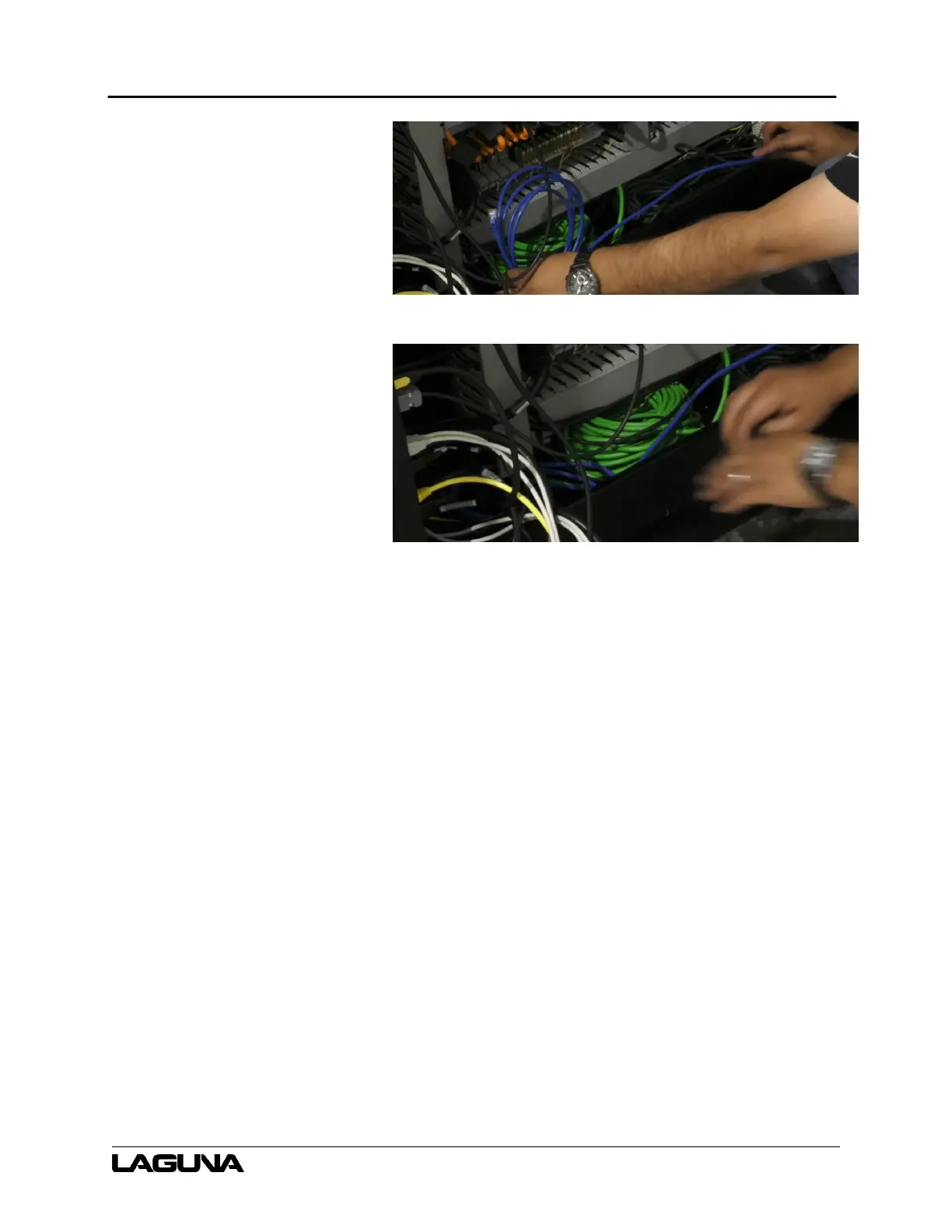
12. Coil up the blue Ethernet cable
and place it inside the cabinet.
a. This cable is for
diagnostic use.
Figure 6–167
Figure 6–168
6.10 Connecting the Main Power Supply
1. Locate the main power supply
wires. One is blue and one is
brown.
a. The wires will be in the
machine.



 To Next Page