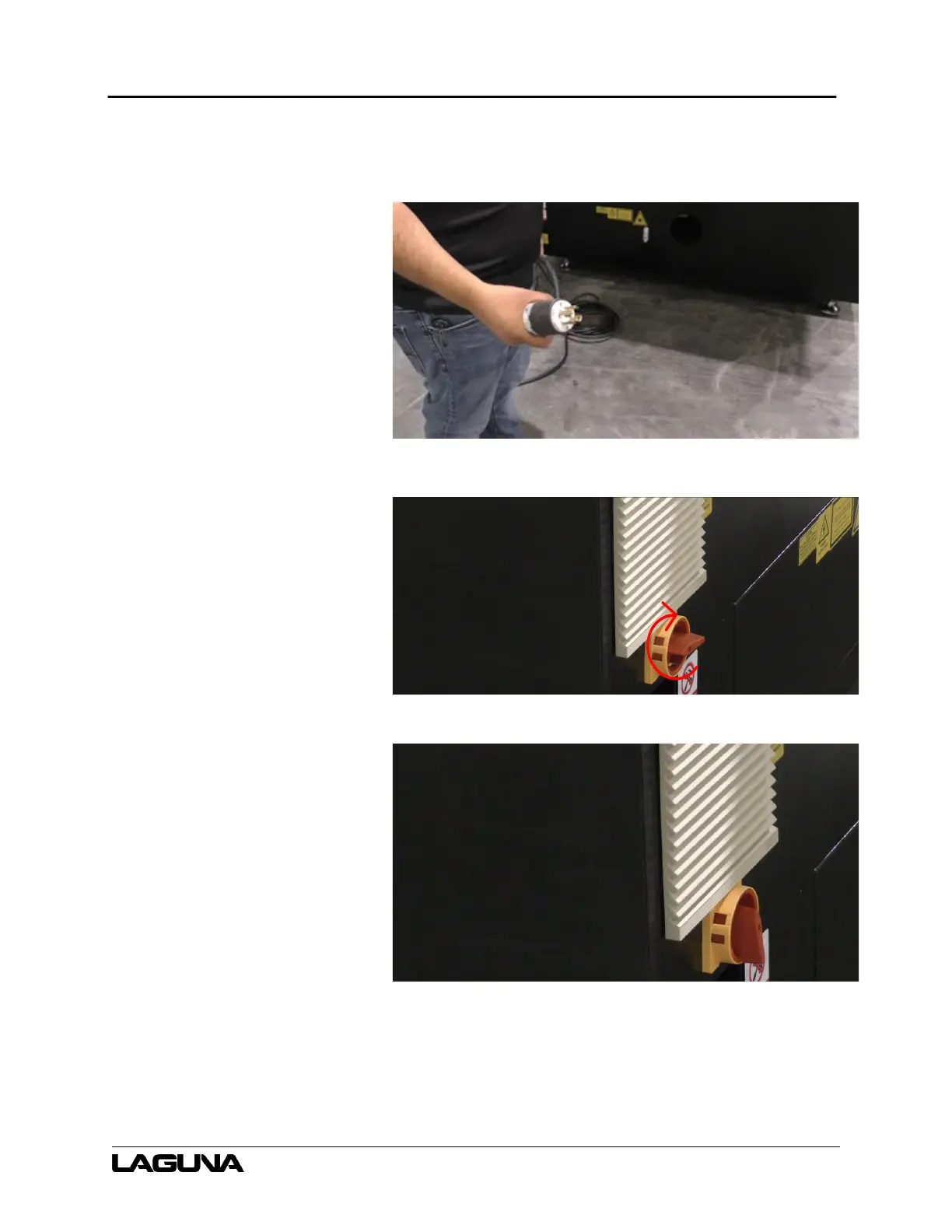
SmartShop CBX Fiber Laser
99
10. Connect the machine power
lines to a triple phase 220 Volt
outlet.
Figure 6–183
11. After connected to power, turn
the main power switch clockwise
to where the switch is vertical.
a. The machine should
now have power
engaged.
Figure 6–184
Figure 6–185


 To Next Page