TEST MODE
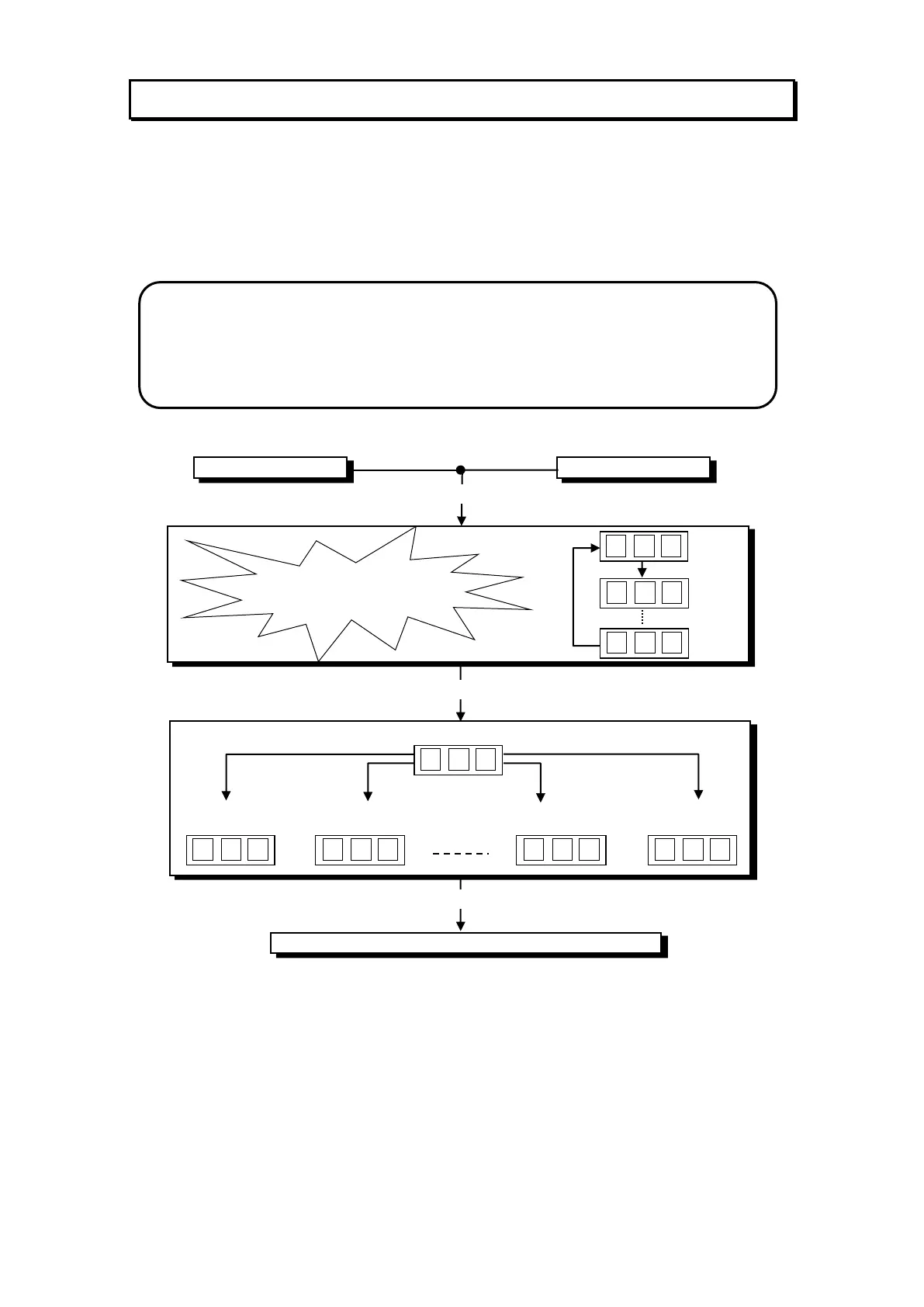
The “Mega Stacker Lite” Test mode has Three Test Configurations allowing you to
explore the functioning of the Sound, Light & Display, the Game Switches and to allow
an operational test of Mega Stacker Lite (Refer to the Test Mode Diagram below).
The Test mode is also used for Clearing Game Errors. If there is an active error, its code
will be displayed. To try to clear the error code, press the red test button once. The
error can be bypass by quickly pressing the red test button twice.
TEST MODE DIAGRAM
* NOTE! *
Entering Test Mode will CLEAR any CREDITS remaining in the game.
If during test mode no ADJUSTMENTS or actions are made to the game for
approximately four minutes, it will automatically RETURN to Attract Mode.


 To Next Page